Tablet: Product Detail Images
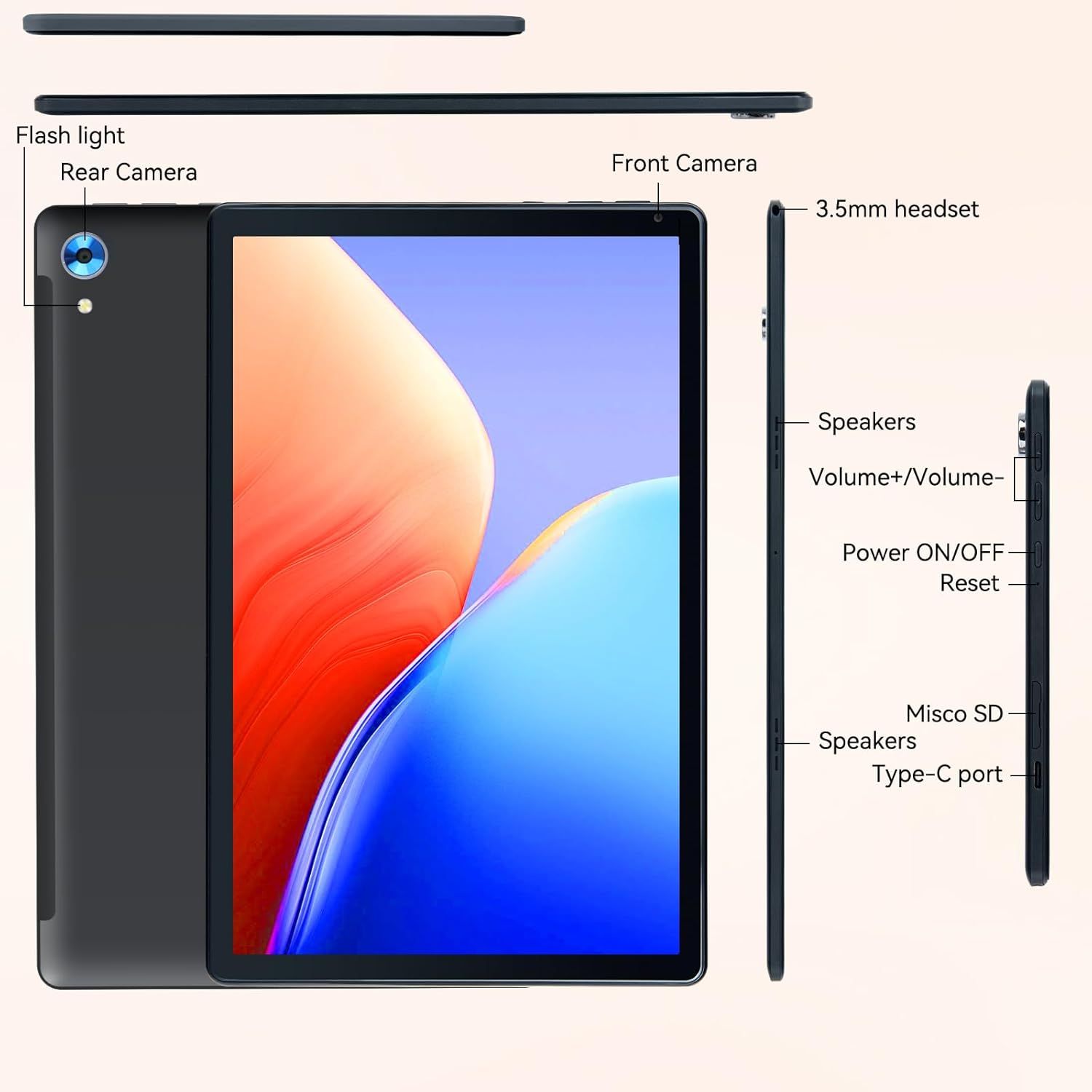
This image breaks down the tablet's physical components and port locations to help shoppers understand the device's hardware features and button placements.
- Brand
- URAO
- Category
- Electronics › Computers & Accessories › Computers & Tablets › Tablets
- Image type
- Product Detail Images, Secondary Images
- Design focus
- Flash light; Rear Camera; Front Camera; 3.5mm headset; Speakers; Volume buttons; Power button; Reset; Misco SD; Type-C port
- Listing position
- Image 8
- Marketplace
- United States
- Best Sellers Rank
- #4,619 in Electronics (See Top 100 in Electronics) #124 in Computer Tablets
- Full listing
- See all 9 images in order
- ASIN
- B0DBHM9L4B
See your listing next to your competitors
Paste your Amazon link. We score every image and show what the top sellers do differently. Your first comparison is free.
What this image does at a glance
- Score
- 25 / 100 · Unreadable small
- Headline
- Power ON/OFF
- Headline height
- 1.6% of the image
- Headline contrast
- Lc 79
- Text on the image
- 3.0% of the image, 11 blocks
- Blurred to tile size
- headline no longer readable
Listing bullet points
- 【High Performance】URAO Android tablet features the latest operating system Android 15 and an 2.0 GHz octa-core processor ensure of excellent performance, seamless multitasking, getting rid of annoying ads, emphasizing privacy and security by designing enhanced app permissions, providing you…
- 【Massive Storage 】Our Android tablet comes with 24GB (4+20GB) RAM 128GB ROM and maximun 1TB TF card ( not included )expandable ensures you of a fast APP launch and smooth gaming experience. URAO tablet also come with pre-installed Google Play Store, you can easily download any needed Apps such as…
- 【HD Eyes Protection Display】URAO tablet equipped with a high resolution 1280*800 IPS display, which shows a brightly colored wide-screen for a more realistic viewing experience with sharper and brighter images.The front 5MP and rear 8MP cameras can easily satisfy video calls, online learning, etc.…
- 【Large Capacity Battery with Fast Charge】The built-in large capacity and low consumption CPU enable our URAO 10 inch tablet to stand by for up to 3 days and allows you to enjoy up to 8 hours of mixed reading, watching TV shows, playing games, surfing the web. URAO tablet adopts fast-charging…
- 【Wi-Fi 6+Bluetooth5.0】URAO android tablet 10 inch adopts the lastest sixth generation WiFi technology and the upgraded bluetooth 5.0. Dual band integrated chips make the 5g WiFi and 2.4g WiFi more stable and the lastest bluetooth 5.0 connection supports all your favorite accessories, highly…
- Note:The tablets have no GPS; tablet is based on Android system , cannot directly share accounts with IOS system.
Similar product detail images in Electronics
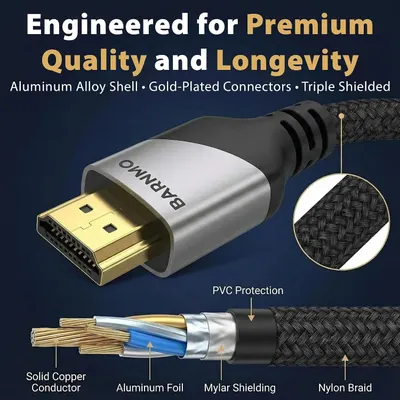 HDMI 8K 2.1 Certified
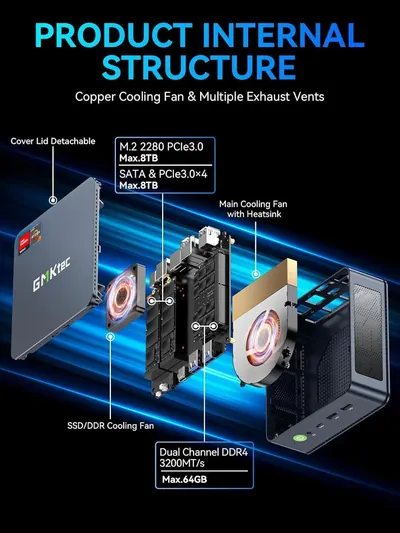 GMKtec M5 Ultra Mini PC AMD Ryzen 7 7730U (Turbo 4.5GHz) Upgradeable RAM
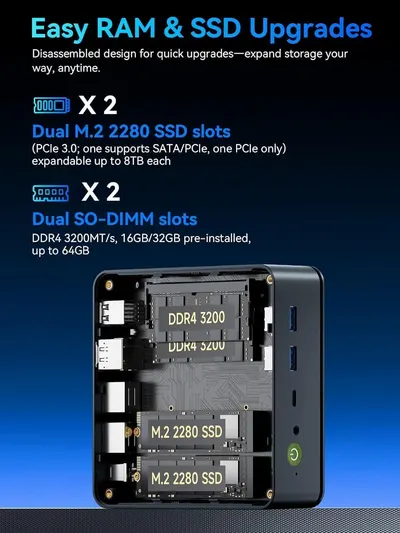 GMKtec M5 Ultra Mini PC AMD Ryzen 7 7730U (Turbo 4.5GHz) Upgradeable RAM
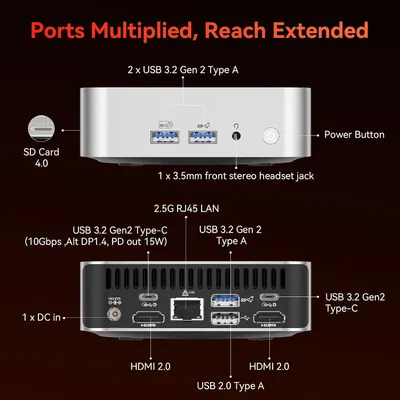 GEEKOM A7 Mini PC
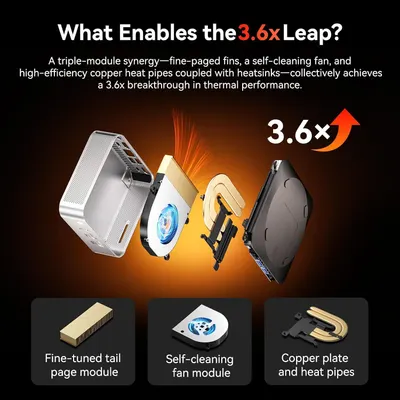 GEEKOM A7 Mini PC
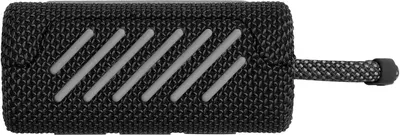 JBL Go 3
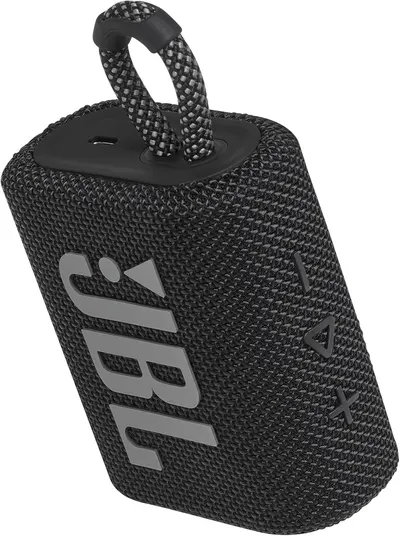 JBL Go 3
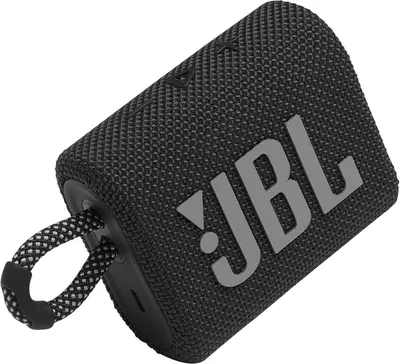 JBL Go 3
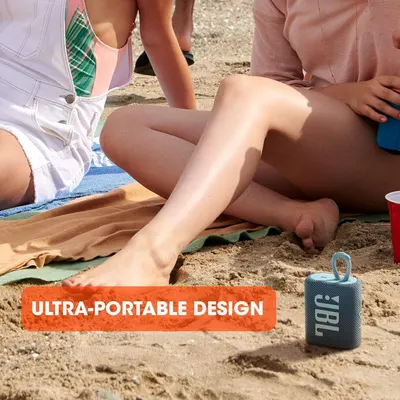 JBL Go 3
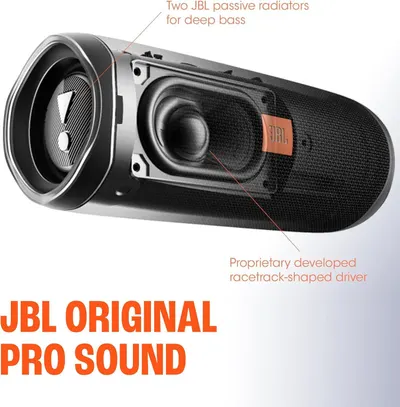 JBL FLIP 5
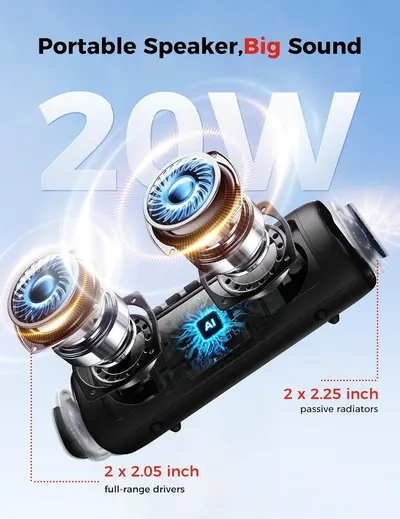 Bluetooth Speaker
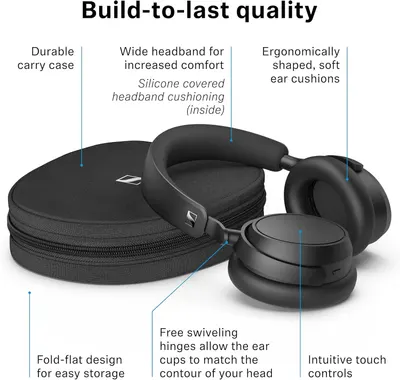 Sennehiser ACCENTUM Plus Wireless Headphones
This image belongs to URAO and is shown for design research. Request removal.