MARVTOWN Portable Folding Piano Keyboard: How to Use Images
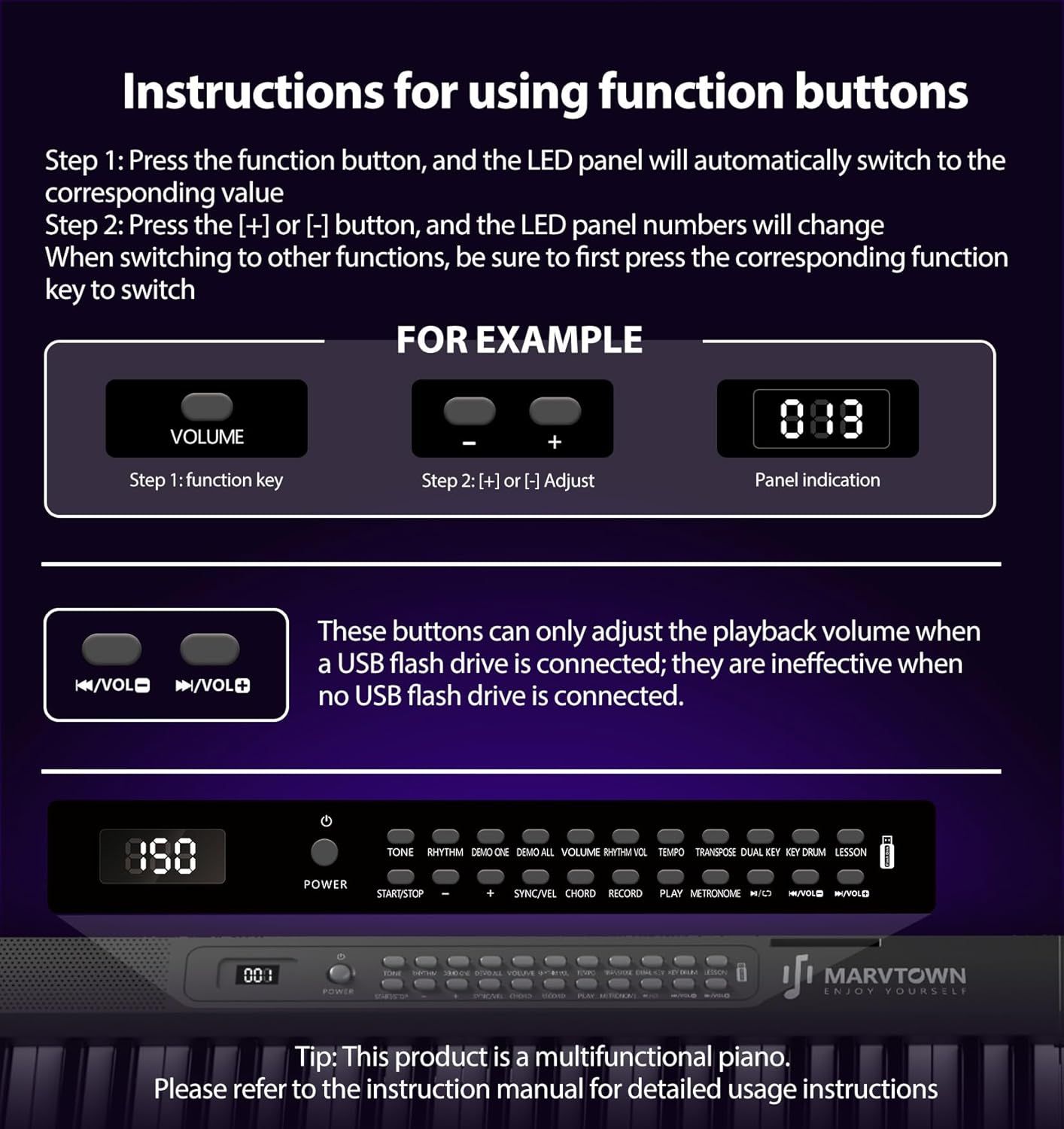
This image provides step-by-step instructions on how to use the function buttons and adjust settings on the piano, helping shoppers understand the product's interface and operation.
- Brand
- MARVTOWN
- Category
- Musical Instruments › Keyboards & MIDI › Electronic Keyboards › Digital Pianos › Home Digital Pianos
- Image type
- How to Use Images, Secondary Images
- Design focus
- Function Button Operation; LED Panel Navigation
- Listing position
- Image 6
- Marketplace
- United States
- Best Sellers Rank
- #17,369 in Musical Instruments (See Top 100 in Musical Instruments) #88 in Home Digital Pianos
- Full listing
- See all 9 images in order
- ASIN
- B0FWZZRFJJ
See your listing next to your competitors
Paste your Amazon link. We score every image and show what the top sellers do differently. Your first comparison is free.
What this image does at a glance
- Score
- 16 / 100 · Unreadable small
- Headline
- FOR EXAMPLE
- Headline height
- 3.3% of the image
- Headline contrast
- Lc 99
- Text on the image
- 24.6% of the image, 29 blocks
- Blurred to tile size
- headline no longer readable
Listing bullet points
- Semi-weighted keys: A full-size 88-key digital piano keyboard with sensitive semi-weighted touch, delivering a realistic piano feel and dynamic response for a lifelike playing experience. Featuring 2.2cm wide keys, it's easy to play regardless of hand size.
- Folding Design: The innovative folding design makes it easy to carry and store, while maintaining professional performance and sound quality.Built-in rechargeable battery, you can play the electronic piano keyboard for more than 5 hours after charging for 2.5 hours using a 5V1A-2A adapter.
- Comprehensive connectivity: Equipped with MIDI, Bluetooth, headphone jack, microphone jack, audio input/output, USB, and sustain pedal interfaces, enabling diverse connections with a wide range of music devices.If you're worried about disturbing your neighbors or roommates, you can connect…
- Full-size layout: The standard 88-key configuration is the same size as a traditional acoustic piano, ensuring proper skill development and an authentic playing experience.The folding electric keyboard piano has two built-in Hi-Fi speakers, so the sound is wide, comfortable, and loud from all…
- Multi-functional button design: The electronic control panel offers a variety of sound effect options and volume adjustment, expanding your music experience.You can use the record button to record your practice process, correct mistakes in time, and continuously improve your Foldable keyboard…
- A wide selection of tones and comprehensive after-sales service coexist: Thousands of beautiful and unique tones to meet your musical needs in various usage environments and moods. The 88key portable piano keyboard set includes a piano, piano bag, instruction manual, charger, USB data cable,…
Similar how to use images in Musical Instruments
 Ernie Ball Polypro Acoustic Guitar Strap
 Pocket Guitar Chord Practice Tool
 Pocket Guitar Chord Practice Tool
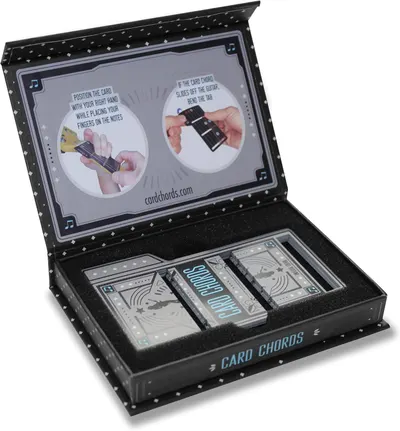 Learn Guitar in Minutes Deluxe Edition with Case Card Chords (Fits All Guitars) These…
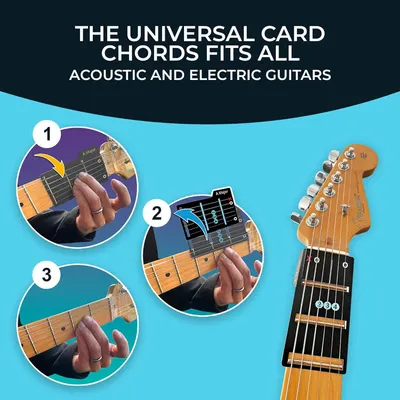 Learn Guitar in Minutes Deluxe Edition with Case Card Chords (Fits All Guitars) These…
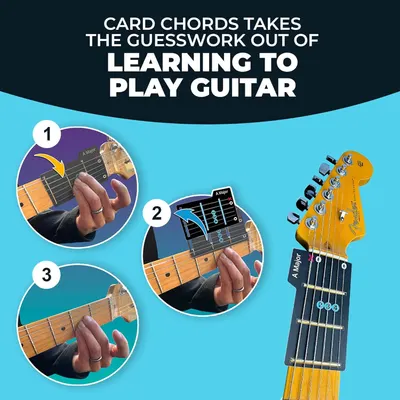 Learn Guitar in Minutes Deluxe Edition with Case Card Chords (Fits All Guitars) These…
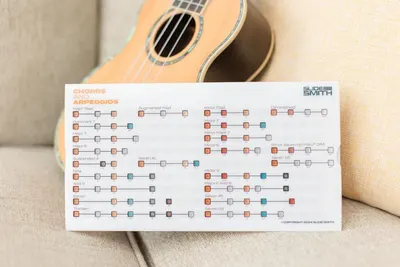 Note Navigator
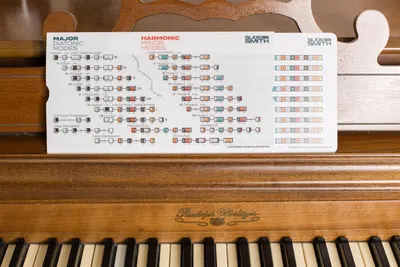 Note Navigator
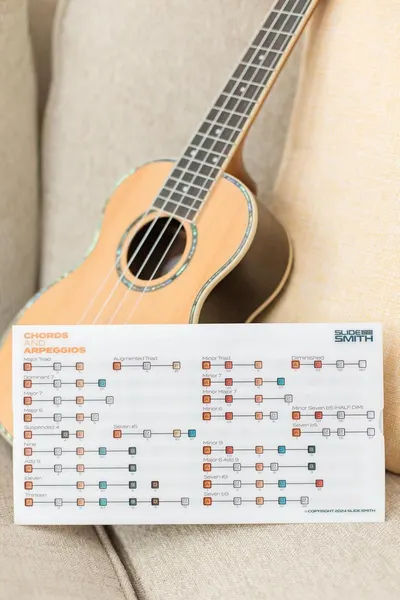 Note Navigator
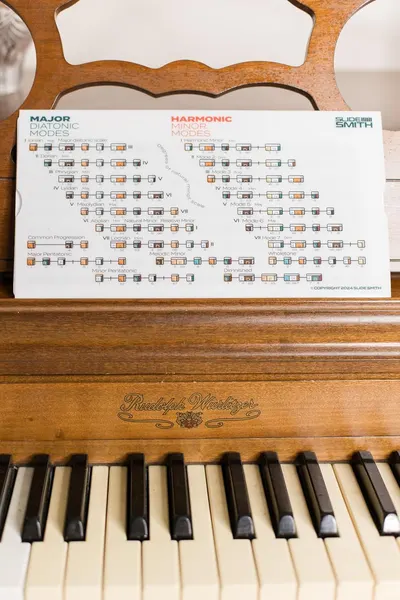 Note Navigator
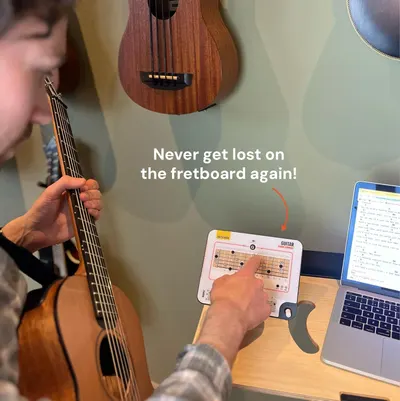 Sliding Guitar Chord Compass & Book
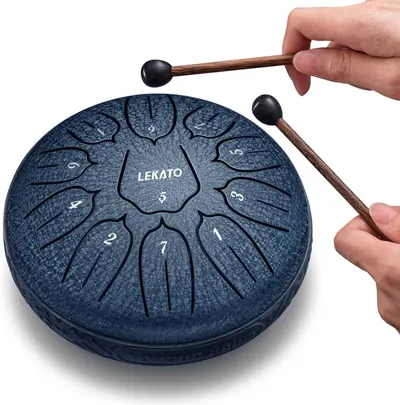 LEKATO Steel Tongue Drum 6 Inch 11 Notes
This image belongs to MARVTOWN and is shown for design research. Request removal.