Nikon Z50 II with Two Lenses: How to Use Images
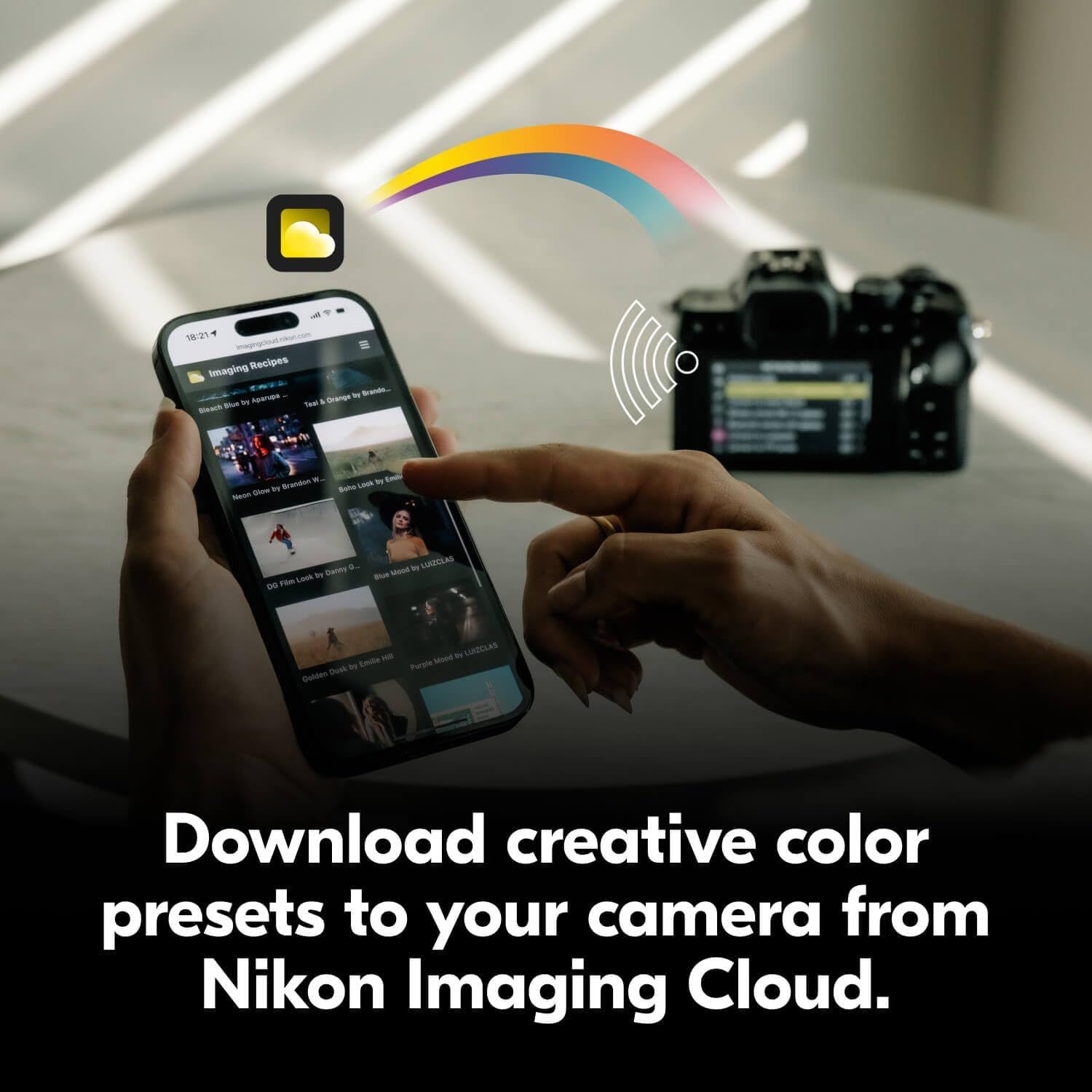
Demonstrates how to download creative color presets from the Nikon Imaging Cloud app to a camera wirelessly, showing the ease of transferring settings. Highlights the convenience of downloading creative presets directly to your camera from the cloud via smartphone app.
- Brand
- Nikon
- Category
- Electronics › Camera & Photo › Digital Cameras › Mirrorless Cameras
- Image type
- How to Use Images, Single Benefit Images, Secondary Images
- Design focus
- Wireless Preset Transfer; Cloud Connectivity; Preset Download
- Listing position
- Image 11
- Marketplace
- United States
- Best Sellers Rank
- #15,204 in Electronics (See Top 100 in Electronics) #24 in Mirrorless Cameras
- Full listing
- See all 12 images in order
- ASIN
- B0DMJJQLXW
See your listing next to your competitors
Paste your Amazon link. We score every image and show what the top sellers do differently. Your first comparison is free.
What this image does at a glance
- Score
- 68 / 100 · Readable
- Headline
- Download creative color
- Headline height
- 4.4% of the image
- Headline contrast
- Lc 105
- Text on the image
- 13.6% of the image, 6 blocks
- Blurred to tile size
- headline no longer readable
- headline contrast below APCA minimum (Lc 18)
- headline unreadable at phone-tile blur
Listing bullet points
- Go Beyond Your Phone: Capture lifelike colors and incredible details from dawn to dusk thanks to a superior 20.9-megapixel DX format (APS-C size) sensor several times larger than that of a typical smartphone, but still lightweight and compact enough to fit in a small bag.
- Find Your Aesthetic: At the press of the Picture Control button, choose from 31 built-in presets designed to make your photos and videos stand out. Create and save your own Picture Control presets or download bespoke Cloud Picture Controls directly to your Z50II from Nikon Imaging Cloud. Play with…
- Focus with Confidence: People, dogs, cats, birds and vehicles—the Z50II can automatically detect and accurately track nine distinct subjects. Plus dedicated bird and airplane modes for even greater autofocus accuracy.
- Powerful Video: Capture the scene with incredible quality and detail with 4K UHD/60p, in-camera 120p slow-motion in Full HD, built-in electronic VR and product review mode.
- Built-in Flash: Get beautifully balanced photos indoors and at night. Use Night Portrait mode to create natural-looking slow-shutter flash portraits. Share in a snap: Send photos and video to your smart device in seconds using the free Nikon SnapBridge app. Includes the NIKKOR Z DX 16-50mm…
Similar how to use images in Electronics
 GEEKOM A7 Mini PC
 Sennehiser ACCENTUM Plus Wireless Headphones
 Sennehiser ACCENTUM Plus Wireless Headphones
 Sennehiser ACCENTUM Plus Wireless Headphones
 Sennheiser Consumer Audio Momentum 4 Wireless Headphones
 Sennheiser Consumer Audio Momentum 4 Wireless Headphones
 Sennheiser Consumer Audio Momentum 4 Wireless Headphones
 Sennehiser ACCENTUM Wireless Headphones
 Anker Adaptador hub USB-C
 Metal Switch Opener GPL 205G0 0.35oz
 Metal Switch Opener GPL 205G0 0.35oz
 RUNJRX
This image belongs to Nikon and is shown for design research. Request removal.