[New Upgrade: How to Use Images
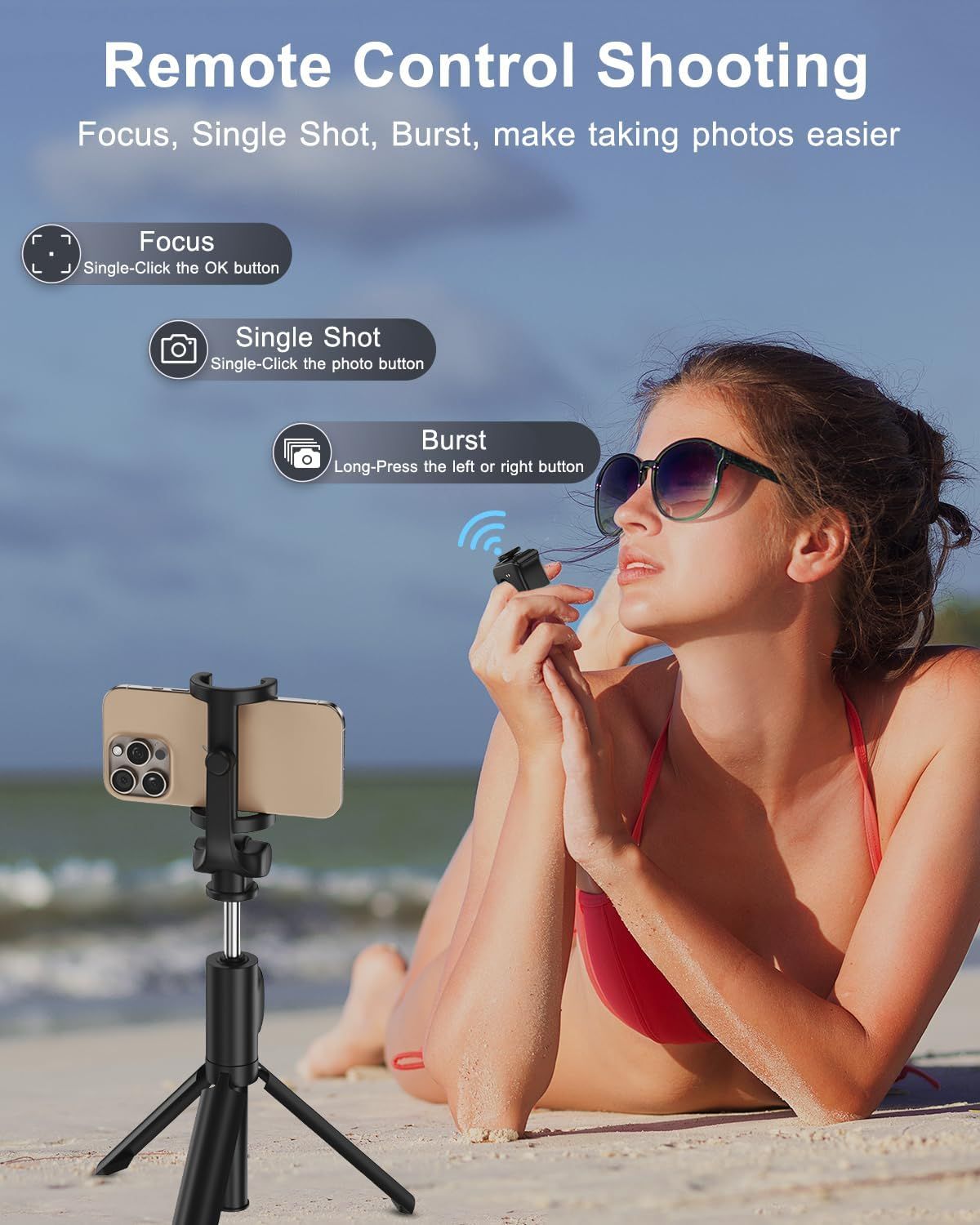
Explains how to use the remote control feature with three different shooting modes (Focus, Single Shot, Burst) to make taking photos easier and more convenient. Highlights three distinct remote shooting capabilities in a segmented layout, showing the product's versatility and ease of use for different photography needs.
- Brand
- duskeep
- Category
- Electronics › Camera & Photo › Accessories › Remote Controls
- Image type
- How to Use Images, Infographic Images, Secondary Images
- Design focus
- Remote Control Shooting Modes; Focus Mode; Single Shot Mode; Burst Mode
- Listing position
- Image 6
- Marketplace
- United States
- Best Sellers Rank
- #12 in Camera & Camcorder Remote Controls
- Full listing
- See all 9 images in order
- ASIN
- B0F3D9JLM7
See your listing next to your competitors
Paste your Amazon link. We score every image and show what the top sellers do differently. Your first comparison is free.
What this image does at a glance
- Score
- 25 / 100 · Unreadable small
- Headline
- Remote Control Shooting
- Headline height
- 3.7% of the image
- Headline contrast
- Lc 66
- Text on the image
- 8.2% of the image, 8 blocks
- Blurred to tile size
- headline no longer readable
- lower text "Remote Control Shooting" is 2.7% of height, needs 5.5%
- headline unreadable at phone-tile blur
Listing bullet points
- Upgraded Connectivity & Scrolling: The new scrolling ring experience faster, more stable iPhone connectivity without AssistiveTouch blocking your view, plus a new slow-scroll feature by holding the up/down keys—ideal for seamless browsing of web pages, e-books, and Various comment areas
- TikTok Scrolling Ring: Enjoy a truly hands-free TikTok experience. Effortlessly scroll up and down, left and right, pause/play, like/continuously like, and adjust the volume—all without touching your phone screen. Experience smooth control for uninterrupted video watching
- Ergonomic & Comfortable Design: Our innovative TK fingertip wireless bluetooth remote control features a joystick direction key that allows you to effortlessly slide up, down, left, and right. The ergonomic, adjustable ring ensures a perfect fit for any finger size, providing comfort during…
- Bluetooth Camera Shutter Remote - Capture Moments Hands-Free: Take stunning photos and record videos effortlessly with the Bluetooth scrolling ring camera shutter remote. Click the designated button on the ring to capture selfies, group photos, steady shots, focus, and enable continuous…
- E-Book App Page Turner - Effortless Reading Control: Say goodbye to constant touchscreen taps. With just a simple button press, turn pages on your favorite e-reading apps, including Kindle. Note: This device is compatible with reading apps, but not with dedicated e-readers like Kindle, Paperwhite,…
- Long Battery Life with Convenient Charging Case: Our tik tok scrolling ring Get over 18 hours of continuous use on a single charge and up to 90 hours with the included charging case. The case recharges in just 90 minutes, allowing you to stay powered up and ready to use your ring for extended…
- Worry-Free After-Sales Service: Thank you for choosing the duskeep brand! If you encounter any issues with our product, please don’t hesitate to contact us. We are committed to providing fast, helpful support and ensuring your complete satisfaction with your purchase
Similar how to use images in Electronics
 GEEKOM A7 Mini PC
 Sennehiser ACCENTUM Plus Wireless Headphones
 Sennehiser ACCENTUM Plus Wireless Headphones
 Sennehiser ACCENTUM Plus Wireless Headphones
 Sennheiser Consumer Audio Momentum 4 Wireless Headphones
 Sennheiser Consumer Audio Momentum 4 Wireless Headphones
 Sennheiser Consumer Audio Momentum 4 Wireless Headphones
 Sennehiser ACCENTUM Wireless Headphones
 Anker Adaptador hub USB-C
 Metal Switch Opener GPL 205G0 0.35oz
 Metal Switch Opener GPL 205G0 0.35oz
 RUNJRX
This image belongs to duskeep and is shown for design research. Request removal.