Phone Camera Lens: How to Use Images
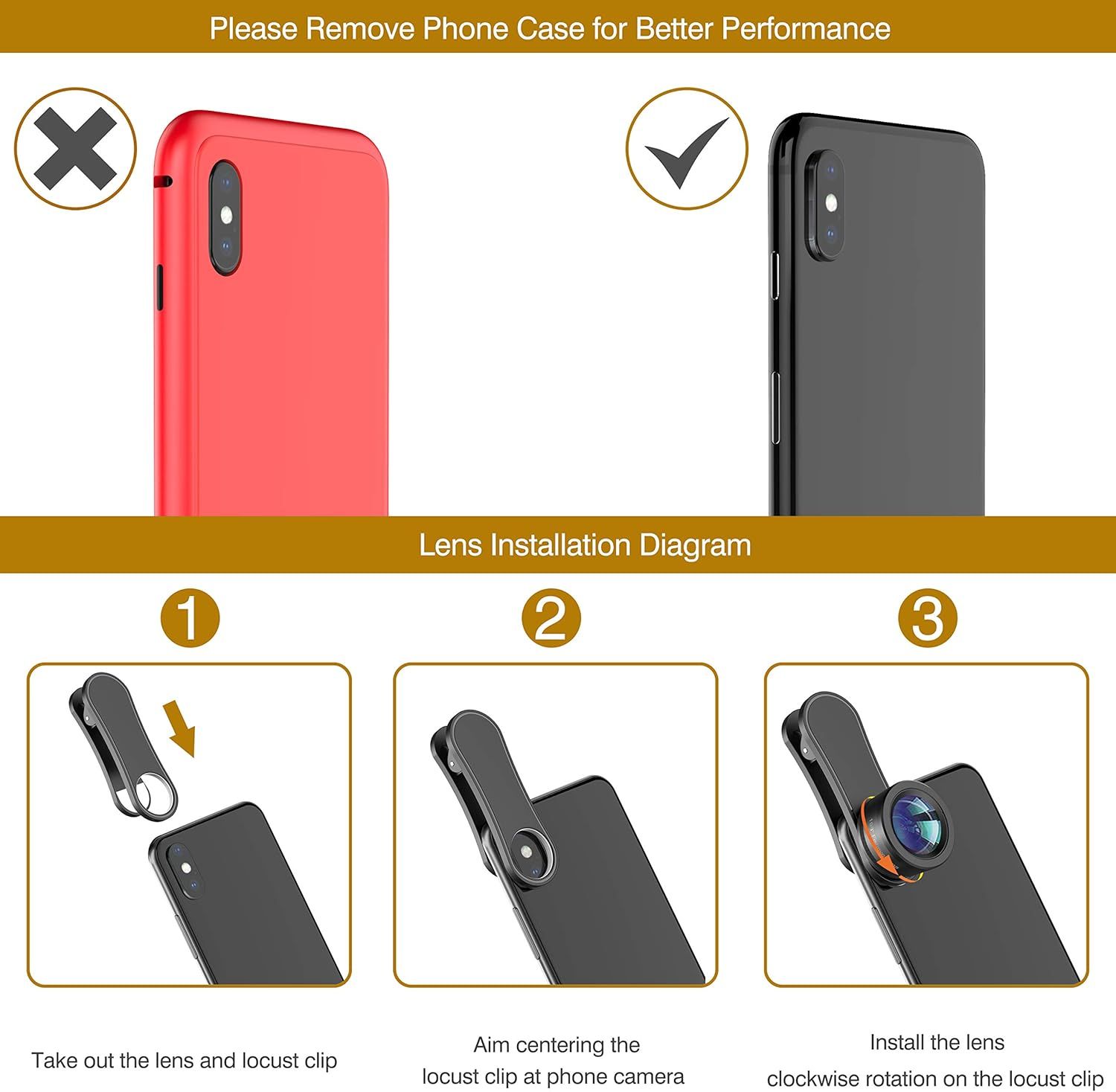
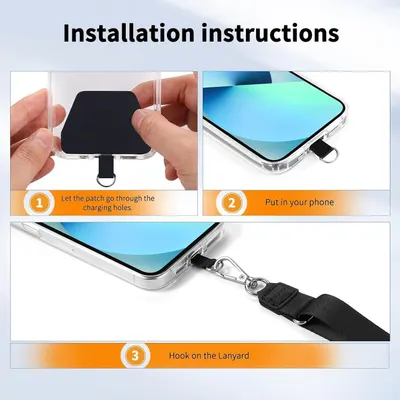
Provides step-by-step visual instructions on how to properly install a camera lens accessory on a smartphone, including removing the phone case for better performance.
- Brand
- LEKNES
- Category
- Cell Phones & Accessories › Accessories › Photo & Video Accessories › Lens Attachments
- Image type
- How to Use Images, Secondary Images
- Design focus
- Lens Installation Instructions
- Listing position
- Image 7
- Marketplace
- United States
- Best Sellers Rank
- #11,253 in Cell Phones & Accessories (See Top 100 in Cell Phones & Accessories) #10 in Cell Phone Lens Attachments
- Full listing
- See all 7 images in order
- ASIN
- B07NXZL19H
See your listing next to your competitors
Paste your Amazon link. We score every image and show what the top sellers do differently. Your first comparison is free.
What this image does at a glance
- Score
- 29 / 100 · Unreadable small
- Headline
- 3
- Headline height
- 5.4% of the image
- Headline contrast
- Lc 67
- Text on the image
- 5.1% of the image, 9 blocks
- Blurred to tile size
- headline no longer readable
Listing bullet points
- 【Premium Quality】 Unlike cheaper phone lens, the phone Lens kit is designed with industrial grade aluminum along with premium optic lenses, so you can capture shots with amazing clarity and detail.
- 【3-in-1 Versatile Photography】 120° wide-angle expands your field of view for group photos and landscapes.Macro lens captures detailed close-ups within 1.18-3.54"(3–9 cm).198° fisheye creates creative circular visuals for unique shots.
- 【Independent Lens Flexibility】 Wide-angle and macro lenses operate separately without stacking – instantly switch from vast scenery to ultra-close details, saving time and enhancing creative freedom.
- 【Easy Clip-On Installation】 For best performance,Attach in 3 steps : 1. Remove phone case; 2.Align clip to the main camera; 3. Screw on lens until fully flush.Anti-slip rubber pads protect the phone from scratches. VIP Note:You need to pull off your phone case when you use these lens.
- 【Important Compatibility Note】Compatible with 90% smartphones. Not suitable for phones with built-in ultra-wide cameras(e.g., iPhone 11–17 series,Samsung S/Note Ultra models;); Wide-angle lenses do not provide zoom; they just expand the scene. Just email us before you place the order when you are…
- 【Customer-Focused Guarantee】We provide a 30-day no-reason return policy along with dedicated professional customer support. For any installation or compatibility inquiries, the tutorial videos on the product detail page offer comprehensive guidance, covering everything from initial setup to…
Similar how to use images in Cell Phones & Accessories
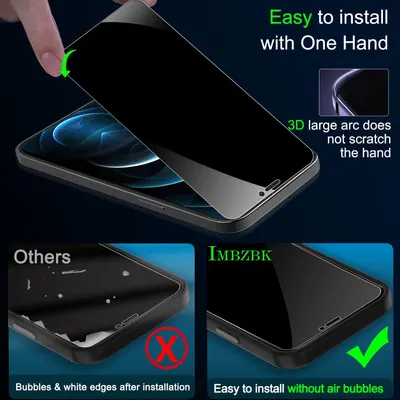 IMBZBK 3 Pack Privacy Screen Protector for iPhone 12 Pro Max Tempered Glass with 3 Pack…
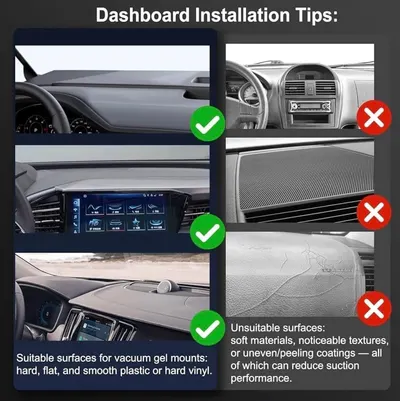 2026 Upgraded Vacuum Magnetic Car Phone Holder 360° Reinforced Ultra Suction Cup Phone…
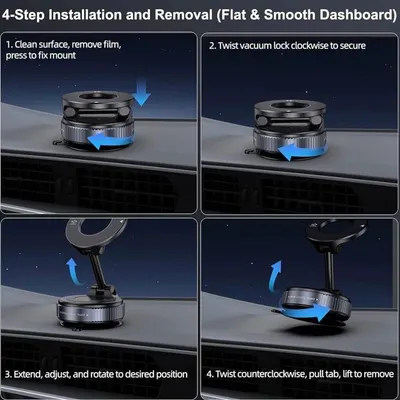 2026 Upgraded Vacuum Magnetic Car Phone Holder 360° Reinforced Ultra Suction Cup Phone…
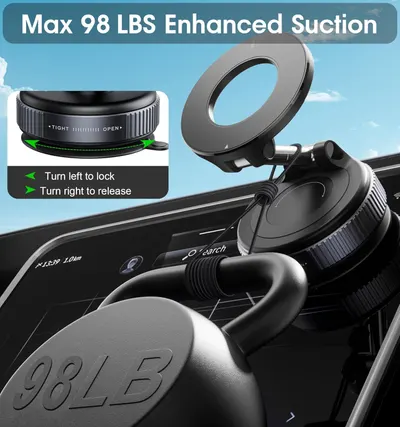 2026 Upgraded Vacuum Magnetic Car Phone Holder 360° Reinforced 96LBS Ultra Suction Cup…
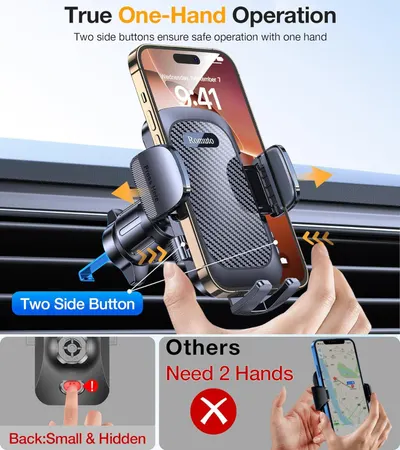 Romuto Phone Holders for Your Car Phone Holder Mount【Super Suction】Cell Phone Mount for…
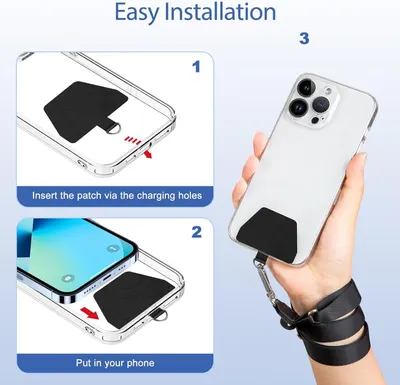 Doormoon Phone Lanyard
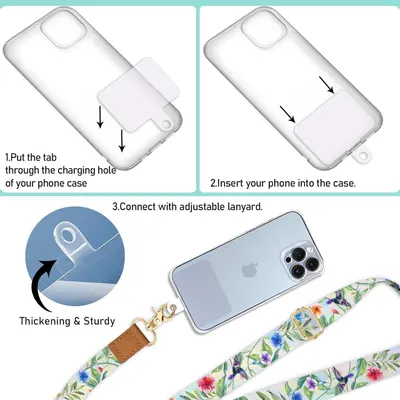 Phone Lanyard Crossbody Wrist Strap
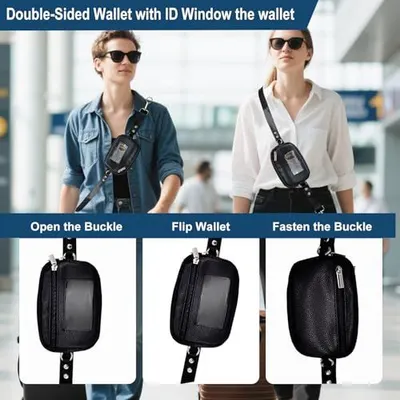 Clip&Go Strap for Phone with Wallet Crossbody Detachable Zippered Pouch&Phone Lanyard
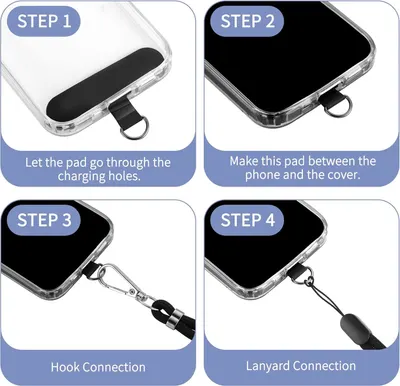 CACOE Cell Phone Lanyard 2 Pcs-1 Pcs Adjustable Neck Strap
 takyu Phone Lanyard
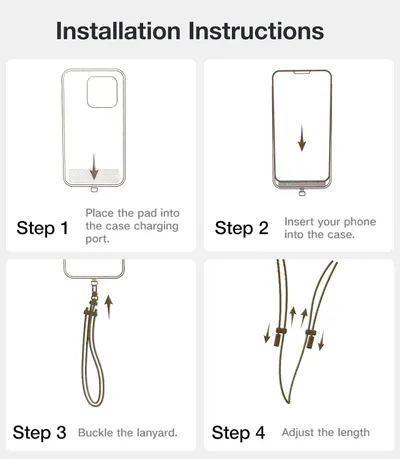 TORRAS Phone Lanyard Crossbody with 2 Phone Tabs
 CACOE Phone Lanyard 2 Pack-2× Adjustable Neck Strap
This image belongs to LEKNES and is shown for design research. Request removal.