Phone Lens: How to Use Images
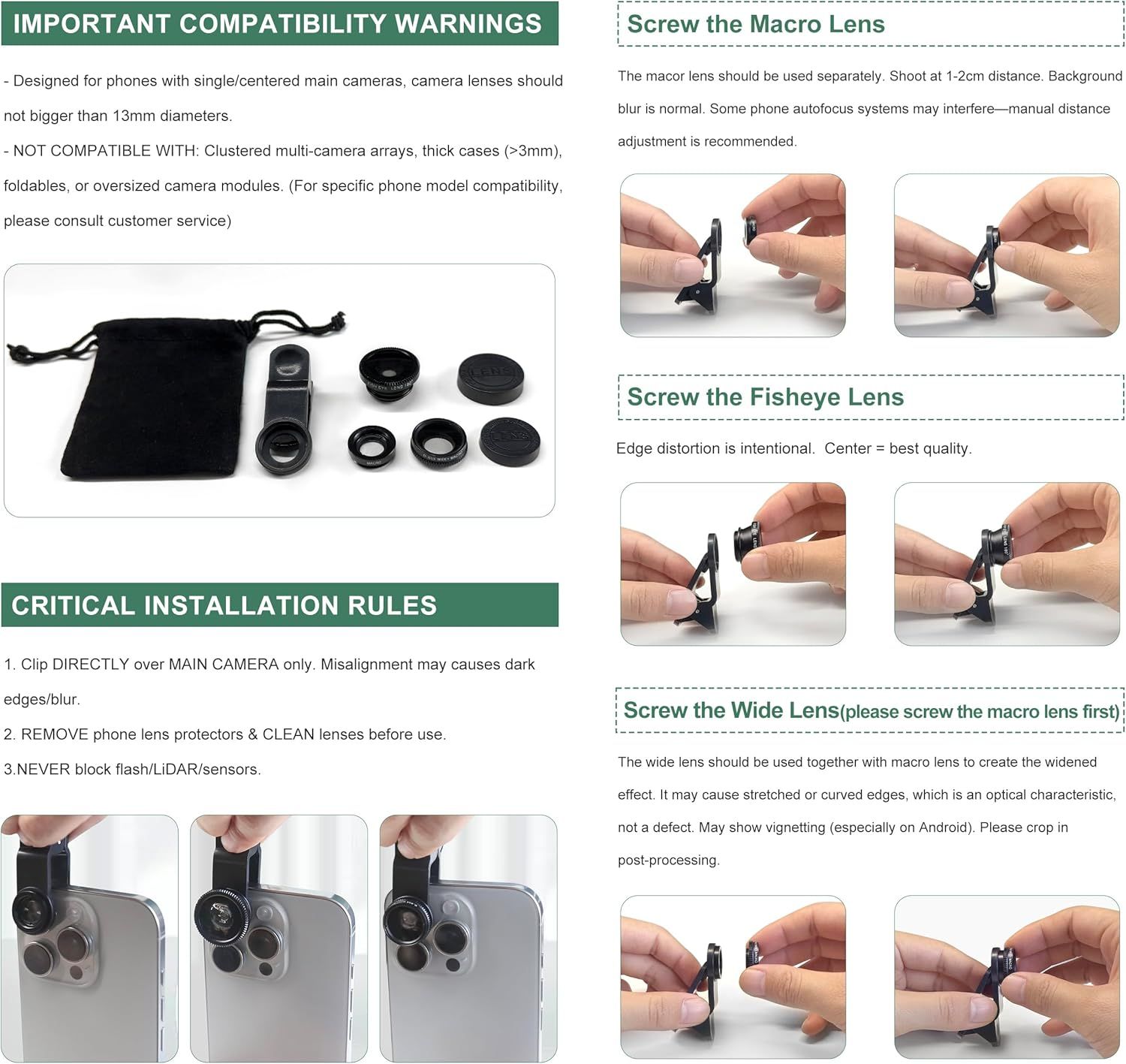
This image provides step-by-step instructions on how to properly install and use the phone camera lens kit, including compatibility warnings, installation rules, and sequential attachment steps for different lens types to ensure correct usage.
- Brand
- Ailun
- Category
- Cell Phones & Accessories › Accessories › Photo & Video Accessories › Lens Attachments
- Image type
- How to Use Images, Secondary Images
- Design focus
- Installation Instructions; Lens Attachment Steps
- Listing position
- Image 7
- Marketplace
- United States
- Best Sellers Rank
- #16,674 in Cell Phones & Accessories (See Top 100 in Cell Phones & Accessories) #26 in Cell Phone Lens Attachments
- Full listing
- See all 7 images in order
- ASIN
- B01E18OYVW
See your listing next to your competitors
Paste your Amazon link. We score every image and show what the top sellers do differently. Your first comparison is free.
What this image does at a glance
- Score
- 15 / 100 · Unreadable small
- Headline
- IMPORTANT COMPATIBILITY WARNINGS
- Headline height
- 1.9% of the image
- Headline contrast
- Lc 70
- Text on the image
- 13.2% of the image, 22 blocks
- Blurred to tile size
- headline no longer readable
Listing bullet points
- High Quality: Professional HD Lens with advanced lanthanide optical glass give you clear shots every time,reducing glare and reflection. Top-grade aluminum construction increases the durability of the product and let the lens kit be your partner of photography.
- Easy to Use Clip-on Lens: Detachable and Portable clamps with soft rubber, guarding against bumps and scratches on your phones. Easy to install and remove, clip on to all major smartphones and tablets with a single lens rear camera.
- Universal detachable clamp design, making the mini lenses can work on most types of mobile phones whose camera lenses are not bigger than 13mm diameters, such as iPhone, iPad, Samsung and other smart phones and even Laptops. (For specific model compatibility, please consult customer service)
- The Fisheye lens offers you a wide hemispherical image. The Macro lens for taking extreme close-up pictures of tiny objects in details. The Wide-angle lens projects a substantially large ranges, such group of people, buildings and landscape. Enjoy a fantastic world!
- Package Content: 180 Degree Fish Eye Lens+0.65X Wide Angle+10X Macro Lens. Note: 1. The Macro Lens and the Wide Angle Lens are attached together upon receival! The wide lens should be used together with macro lens. 2. The macro lens can be used seperately, suggest keeping 1-2cm distance from your…
Similar how to use images in Cell Phones & Accessories
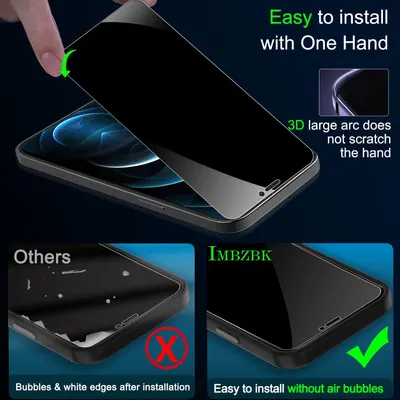 IMBZBK 3 Pack Privacy Screen Protector for iPhone 12 Pro Max Tempered Glass with 3 Pack…
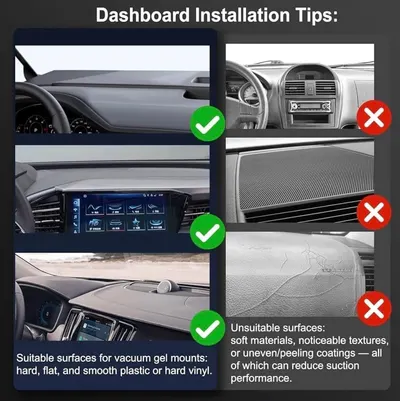 2026 Upgraded Vacuum Magnetic Car Phone Holder 360° Reinforced Ultra Suction Cup Phone…
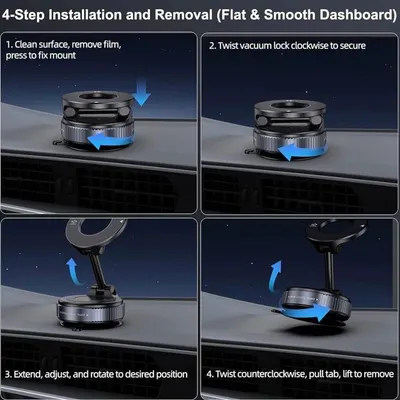 2026 Upgraded Vacuum Magnetic Car Phone Holder 360° Reinforced Ultra Suction Cup Phone…
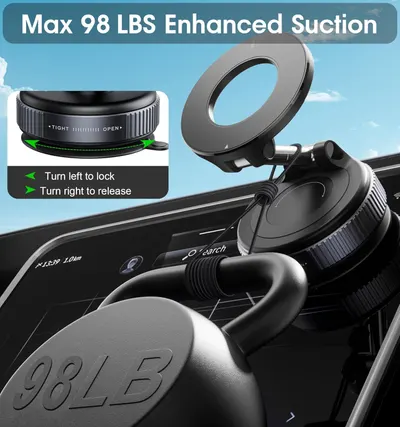 2026 Upgraded Vacuum Magnetic Car Phone Holder 360° Reinforced 96LBS Ultra Suction Cup…
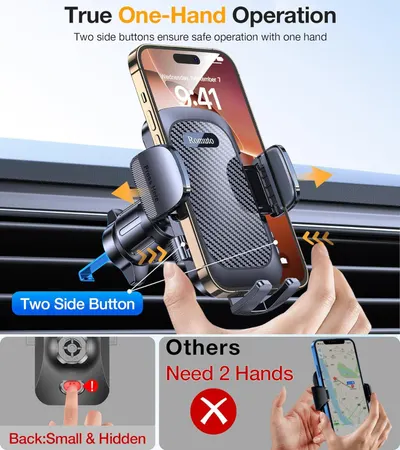 Romuto Phone Holders for Your Car Phone Holder Mount【Super Suction】Cell Phone Mount for…
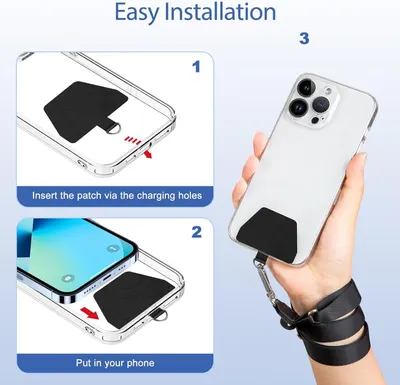 Doormoon Phone Lanyard
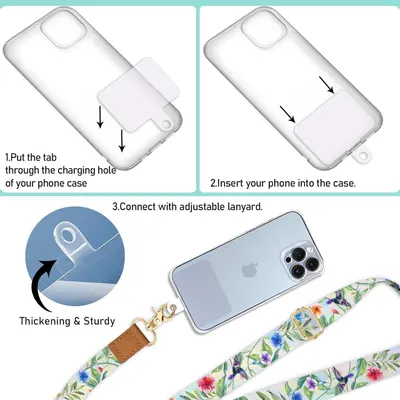 Phone Lanyard Crossbody Wrist Strap
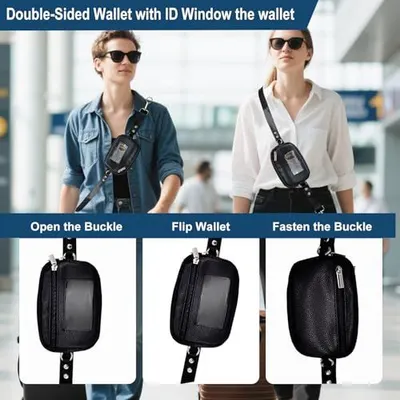 Clip&Go Strap for Phone with Wallet Crossbody Detachable Zippered Pouch&Phone Lanyard
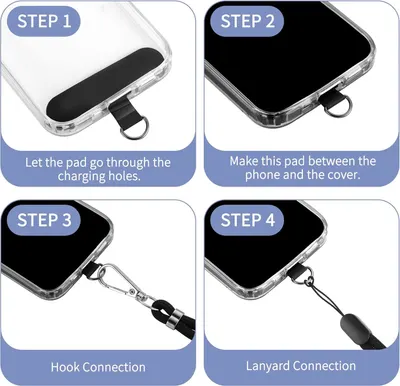 CACOE Cell Phone Lanyard 2 Pcs-1 Pcs Adjustable Neck Strap
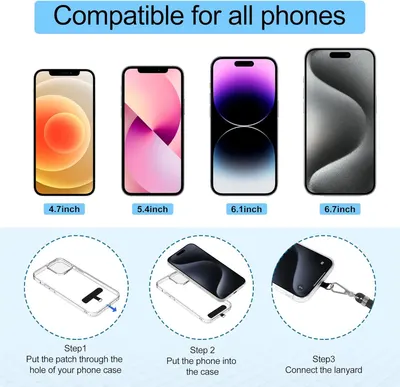 takyu Phone Lanyard
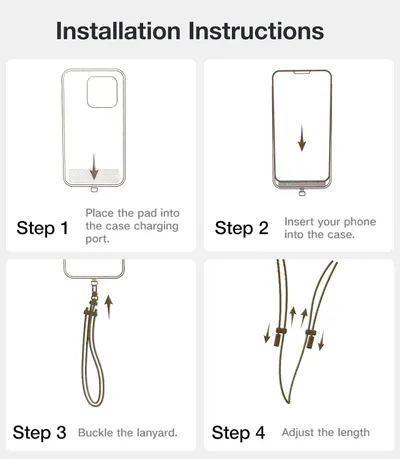 TORRAS Phone Lanyard Crossbody with 2 Phone Tabs
 CACOE Phone Lanyard 2 Pack-2× Adjustable Neck Strap
This image belongs to Ailun and is shown for design research. Request removal.