GOYOJO Digital Analytical Balance and Lab Scale: How to Use Images
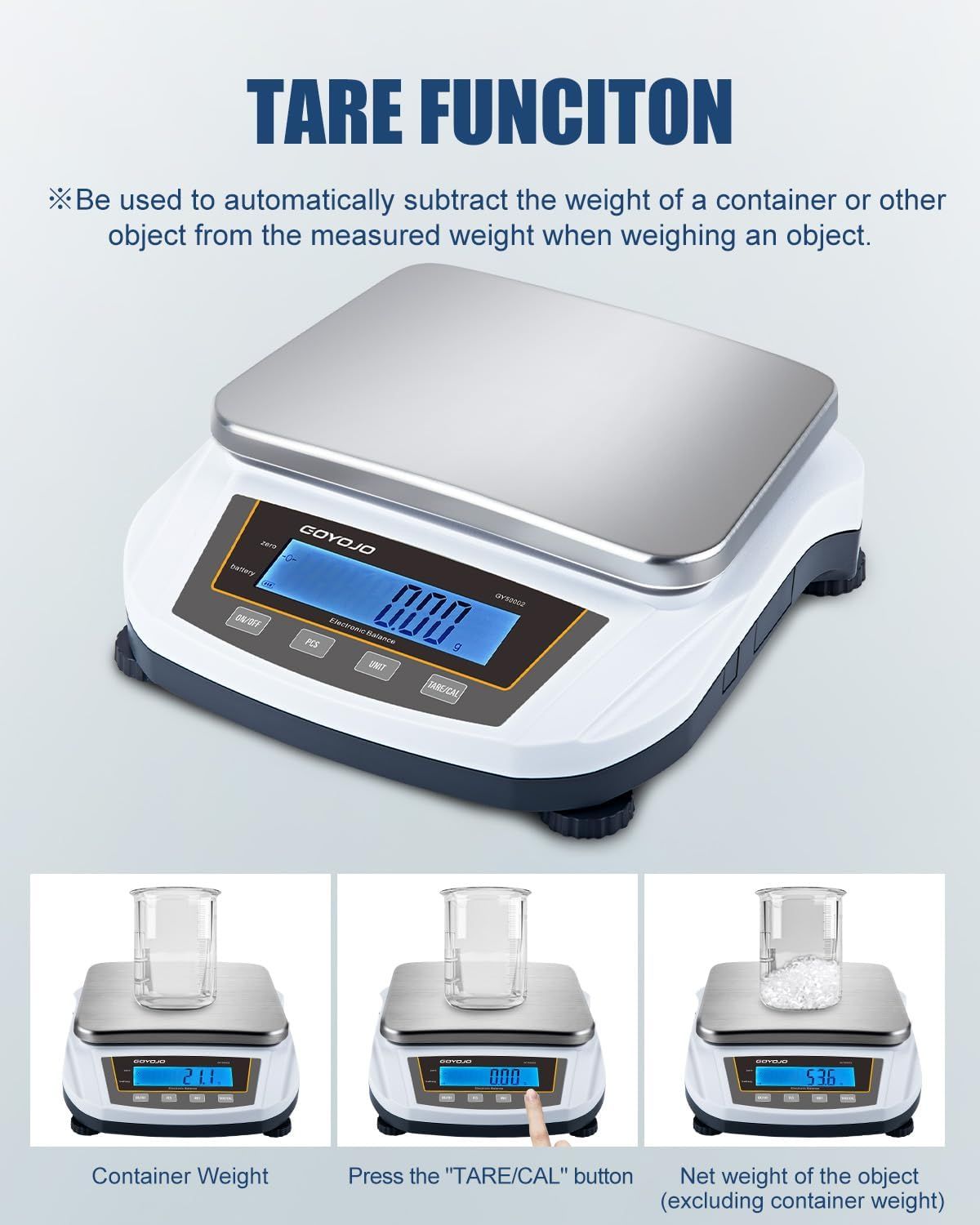
Explains how to use the tare function to automatically subtract container weight, demonstrating the three-step process of weighing with and without the container to get accurate net weight measurements. Highlights the tare function feature that allows users to measure only the net weight of objects by automatically subtracting container weight, providing convenience and accuracy in weighing.
- Brand
- GOYOJO
- Category
- Industrial & Scientific › Test, Measure & Inspect › Scales & Balances › Laboratory Balances › Analytical Balances
- Image type
- How to Use Images, Single Benefit Images, Secondary Images
- Design focus
- Tare Function; Weight Calibration; Tare Function
- Listing position
- Image 4
- Marketplace
- United States
- Best Sellers Rank
- #44,471 in Industrial & Scientific (See Top 100 in Industrial & Scientific) #10 in Lab Analytical Balances
- Full listing
- See all 9 images in order
- ASIN
- B0DGXJ7SZ5
See your listing next to your competitors
Paste your Amazon link. We score every image and show what the top sellers do differently. Your first comparison is free.
What this image does at a glance
- Score
- 58 / 100 · Hard to read small
- Headline
- TARE FUNCITON
- Headline height
- 5.8% of the image
- Headline contrast
- Lc 81
- Text on the image
- 9.9% of the image, 9 blocks
- Blurred to tile size
- headline still readable
Listing bullet points
- Achieve Accurate Weighing Results with 0.01g sensitivity and a 5000g capacity, perfect for precise measurements in cooking, crafting, or lab work. Not included calibration weights.
- Easily Read Measurements with the large LED display, offering clear and visible results even in low-light conditions, making your tasks smoother and more efficient.
- Switch Seamlessly Between Multiple Units such as grams, ounces, carats, and pounds, providing versatility for weighing ingredients, jewelry, or lab materials.
- Ensure Long-Lasting Durability with the stainless steel weighing plate and ABS housing, designed to withstand daily use in kitchens, labs, or workshops.
- Achieve Perfect Recipe Results by using precise ingredient measurements, ideal for both home cooks and professional chefs to ensure consistent dishes.
- Weigh Small Items with High Precision such as jewelry or gemstones, thanks to 0.01g accuracy, making it suitable for detailed measurements in small-scale work.
- Benefit From a Compact and Lightweight Design, making it easy to move and store the scale wherever needed, whether in the kitchen, lab, or classroom.
- Get fast, consistent readings with the high-precision sensor, ensuring efficient and timely completion of your weighing tasks.
Similar how to use images in Industrial & Scientific
 YIMAGUJRX RUNJRX Keyboard Lube Kit JRX 205G0 0.53oz/15g for Mechanical Keyboard Switch…
 Gliging Switches Lube 0.35 oz Grease Oil GPL 205 G0 Mechanical Keyboard Keycaps…
 Gliging Switches Lube 0.35 oz Grease Oil GPL 205 G0 Mechanical Keyboard Keycaps…
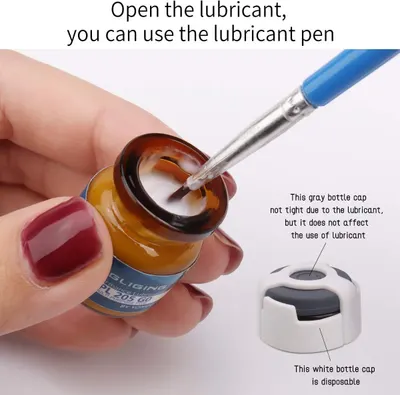 Gliging Switches Lube 0.35 oz Grease Oil GPL 205 G0 Mechanical Keyboard Keycaps…
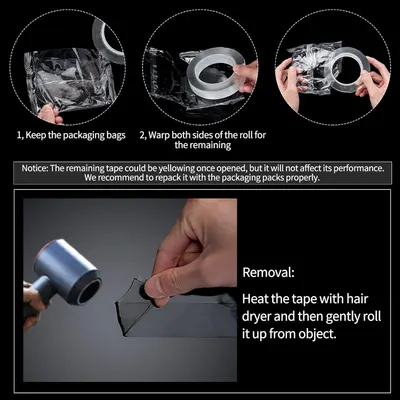 Art3d Double-Sided Mounting Tape (10FT)
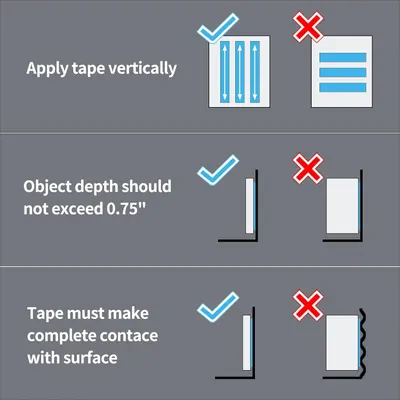 Art3d Double-Sided Mounting Tape (10FT)
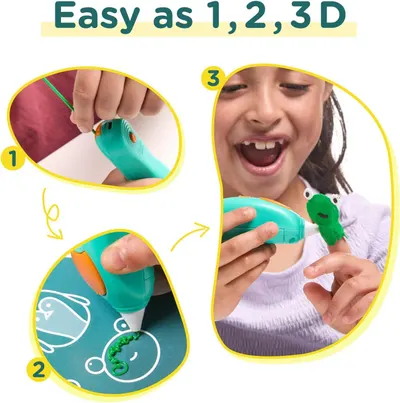 3Doodler Start+ Essentials 3D Pen for Kids
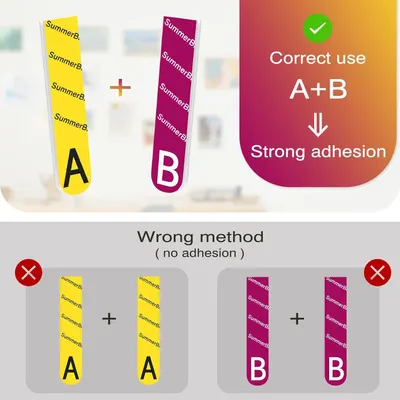 Picture Hanging Strips Heavy Duty XL 20 Pairs/40Strips
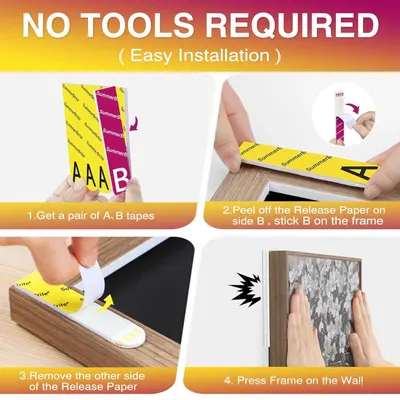 Picture Hanging Strips Heavy Duty XL 20 Pairs/40Strips
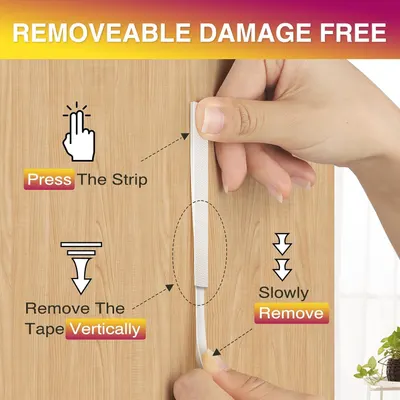 Picture Hanging Strips Heavy Duty XL 20 Pairs/40Strips
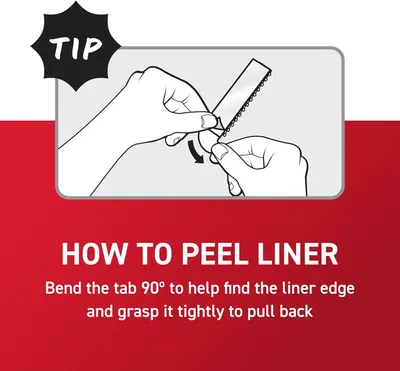 Command 15 lb Large 4 Pairs Picture Hanging Strips (8 Strips)
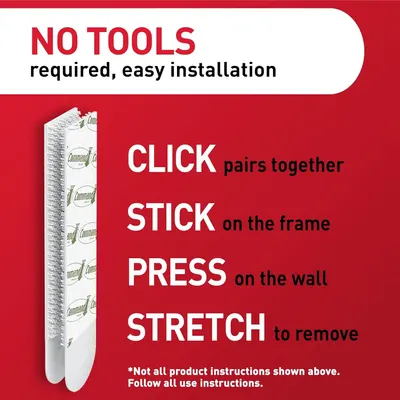 Command 15 lb Large 4 Pairs Picture Hanging Strips (8 Strips)
This image belongs to GOYOJO and is shown for design research. Request removal.