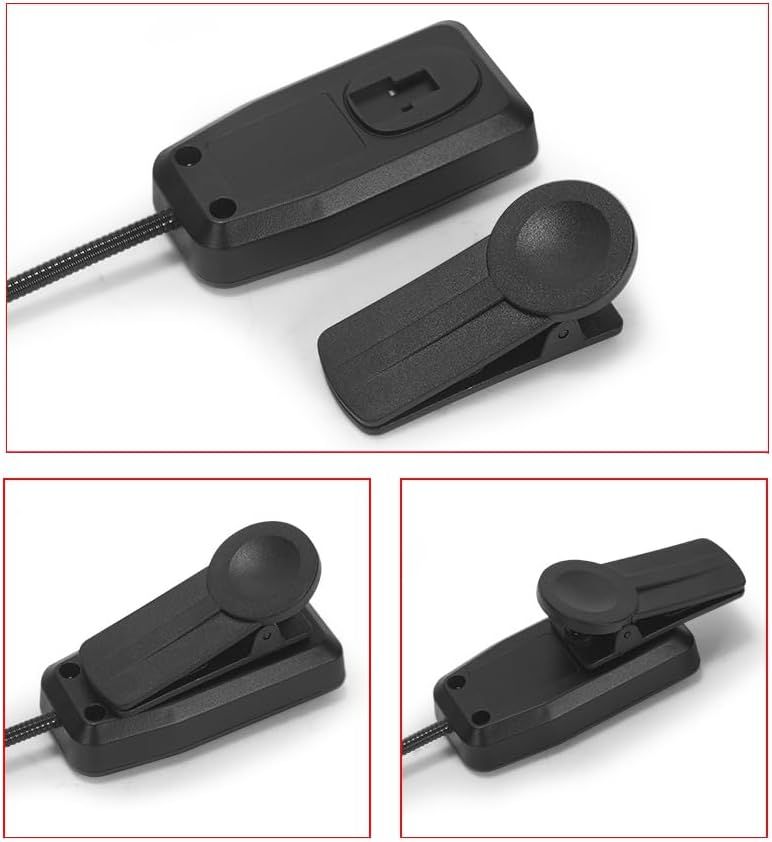
Wireless Saxophone Microphone System: How to Use Images
Demonstrates how to properly attach and position the two-piece sensor system, showing the open and closed states to help customers understand the installation and operation process.
- Brand
- MICVISTA
- Category
- Musical Instruments › Microphones & Accessories › Microphones › Wireless Microphones & Systems › Instrument Wireless Microphones
- Image type
- How to Use Images, Secondary Images
- Design focus
- Installation Steps; Sensor Attachment
- Listing position
- Image 4
- Marketplace
- United States
- Best Sellers Rank
- #36,588 in Musical Instruments (See Top 100 in Musical Instruments) #50 in Instrument Microphones & Systems
- Full listing
- See all 7 images in order
- ASIN
- B0CTJKN4TY
See your listing next to your competitors
Paste your Amazon link. We score every image and show what the top sellers do differently. Your first comparison is free.
What this image does at a glance
- Score
- No text to measure
- Headline height
- 0.0% of the image
- Headline contrast
- Lc 0
- Text on the image
- 0.0% of the image, 0 blocks
- Blurred to tile size
- headline no longer readable
Listing bullet points
- Clip on transmitter: The transmitter comes with a rubber pad and shock absorber spring, which can be firmly fixed on the saxophone without damaging it, restoring the original sound and making it very easy to remove.
- Easy installation and seamless connection: plug and play, easy to use, you can connect it to your instrument or microphone in seconds. It is compatible with various audio devices and provides stable, interference free connections.
- Clear Sound Quality: Using a noise cancelling microphone to effectively reduce environmental noise interference, prevent whistling, and have a heart pointing microphone for clearer sound pickup with high fidelity, achieving true reproduction of true sound. Good anti-interference performance and…
- Large capacity lithium battery: The 450mAh large capacity lithium battery can last for about 6 hours after being fully charged. The packaging contains two batteries. One for the transmitter and the other for the receiver. And they can be charged.
- Widely used: This wireless microphone can be used as a head mounted handheld 2-in-1 microphone or as a musical instrument microphone. The 6.35mm interface (equipped with a 3.5mm interface) can be used for various devices, speakers, lever speakers, etc.
Similar how to use images in Musical Instruments
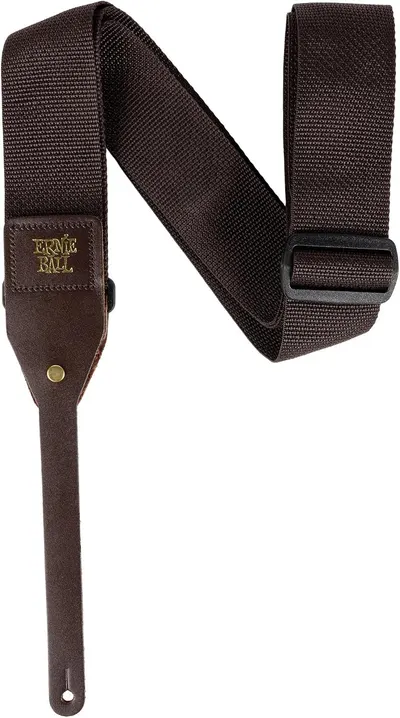 Ernie Ball Polypro Acoustic Guitar Strap
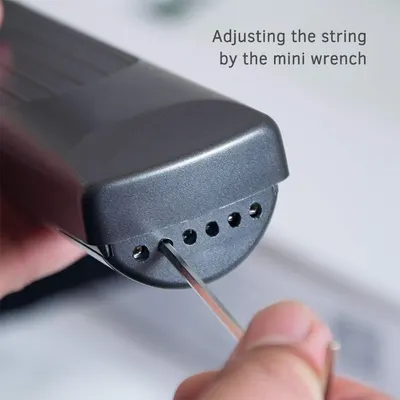 Pocket Guitar Chord Practice Tool
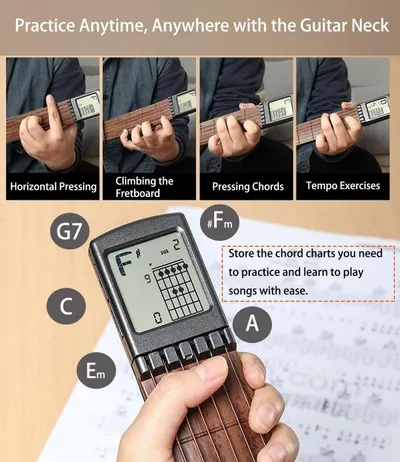 Pocket Guitar Chord Practice Tool
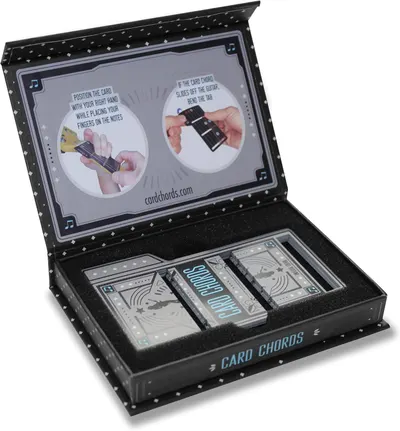 Learn Guitar in Minutes Deluxe Edition with Case Card Chords (Fits All Guitars) These…
 Learn Guitar in Minutes Deluxe Edition with Case Card Chords (Fits All Guitars) These…
 Learn Guitar in Minutes Deluxe Edition with Case Card Chords (Fits All Guitars) These…
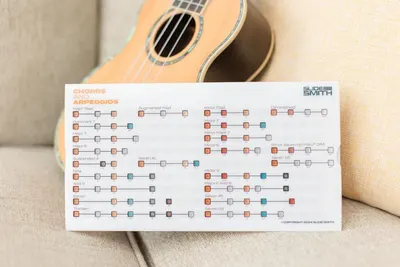 Note Navigator
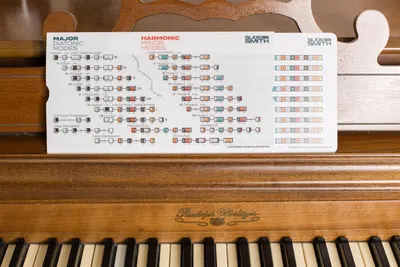 Note Navigator
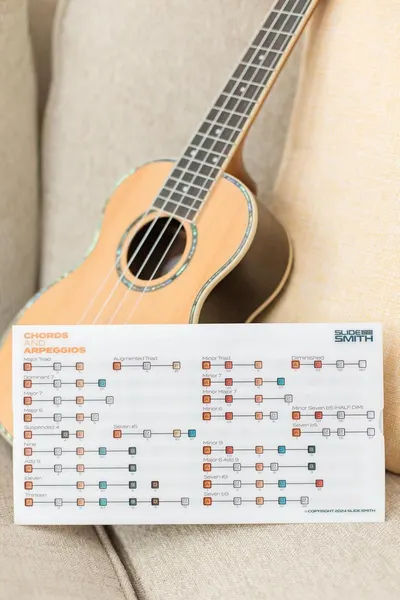 Note Navigator
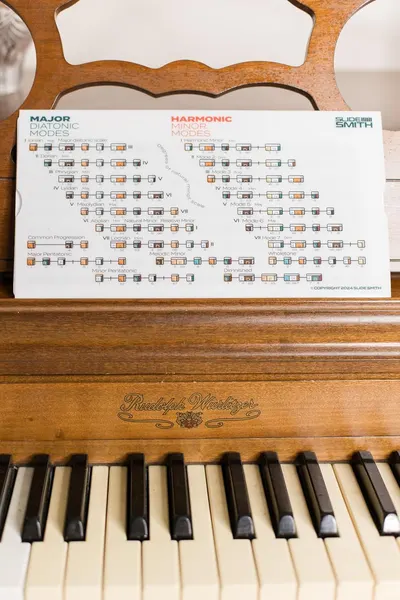 Note Navigator
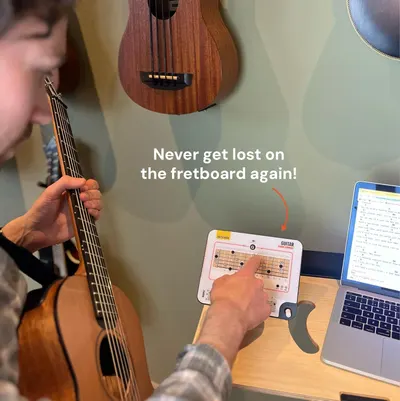 Sliding Guitar Chord Compass & Book
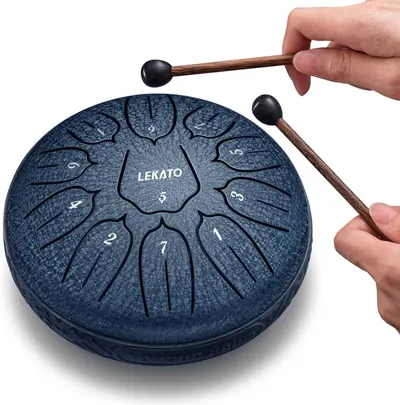 LEKATO Steel Tongue Drum 6 Inch 11 Notes
This image belongs to MICVISTA and is shown for design research. Request removal.