TONOR Wireless Microphone System: How to Use Images
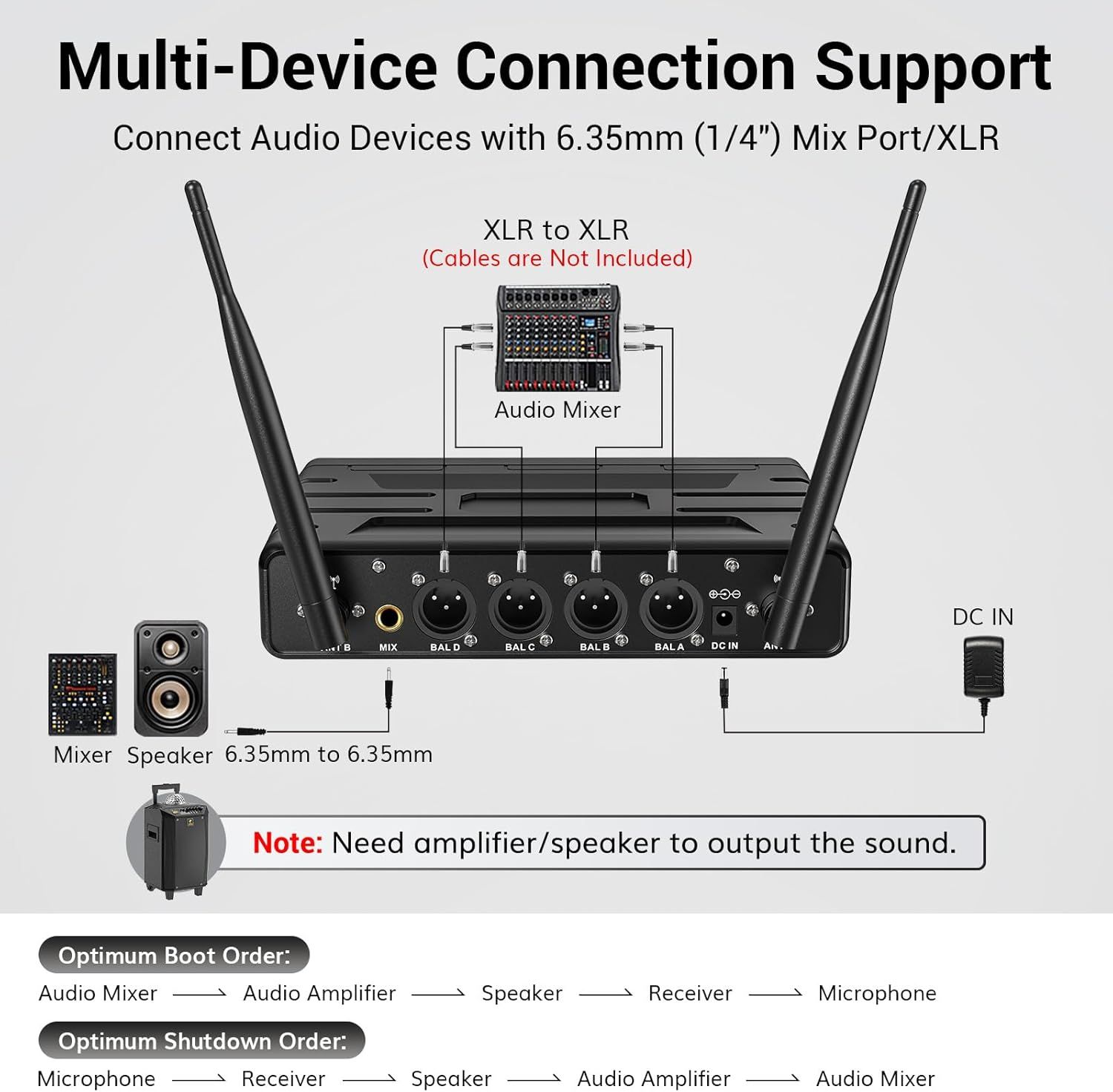
Demonstrates how the product connects with various audio devices including mixers, speakers, and amplifiers through XLR and 6.35mm ports, reassuring shoppers about compatibility with their existing audio equipment. Provides step-by-step guidance on the optimal boot and shutdown order for connecting audio equipment, helping users set up and operate the device correctly.
- Brand
- TONOR
- Category
- Musical Instruments › Microphones & Accessories › Microphones › Wireless Microphones & Systems › Handheld Wireless Microphones
- Image type
- How to Use Images, Secondary Images, Safety / Compatibility Images
- Design focus
- Multi-Device Connection; XLR and 6.35mm Compatibility; Setup Instructions; Boot and Shutdown Order
- Listing position
- Image 5
- Marketplace
- United States
- Best Sellers Rank
- #694 in Musical Instruments (See Top 100 in Musical Instruments) #12 in Handheld Wireless Microphones & Systems
- Full listing
- See all 9 images in order
- ASIN
- B0CYPND9ZY
See your listing next to your competitors
Paste your Amazon link. We score every image and show what the top sellers do differently. Your first comparison is free.
What this image does at a glance
- Score
- 31 / 100 · Unreadable small
- Headline
- Multi-Device Connection Support
- Headline height
- 4.5% of the image
- Headline contrast
- Lc 90
- Text on the image
- 15.9% of the image, 21 blocks
- Blurred to tile size
- headline no longer readable
Listing bullet points
- Superb Sound Quality: Featuring a professional cardioid dynamic capsule, this wireless microphone system ensures clear, pristine sound reproduction, and eliminates distractions from background noise and howling. Perfect for church gatherings, weddings, gym class, meetings, lectures or karaoke.
- Stable Wireless Connectivity: Our receiver provides an impressive 200ft/60m operating range, allowing for unrestricted presentations indoors and outdoors. With 10 channels on each microphone and bodypack, our 4-microphone system supports up to 40 simultaneous sets without interference.
- Versatile Compatibility: Our wireless microphones support a wide range of devices, including mixers, karaoke machines, amplifiers, and powered speakers. Simply connect it using the provided 1/4" (6.35mm) audio cable for optimal sound output.
- Effortless Setup: Just open the receiver and microphone, and they will automatically pair. Refer to the video guide for instructions. The bodypack has a MUTE button, avoiding disturbing others when multiple users are using it. Each microphone or bodypack requires 2 AA batteries (not included).
- Package Includes: 2 x handheld microphones, 2 x bodypacks, 2 x headset microphones, 2 x lavalier microphones, 1 x receiver, 2 x mic covers, 2 x anti-slip rings, 1 x 6.35mm audio cable, 1 x power adapter, and 1 x manual.
Similar how to use images in Musical Instruments
 Ernie Ball Polypro Acoustic Guitar Strap
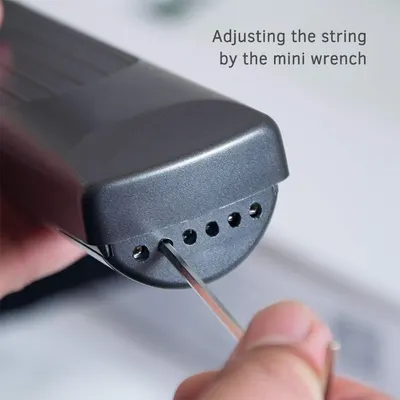 Pocket Guitar Chord Practice Tool
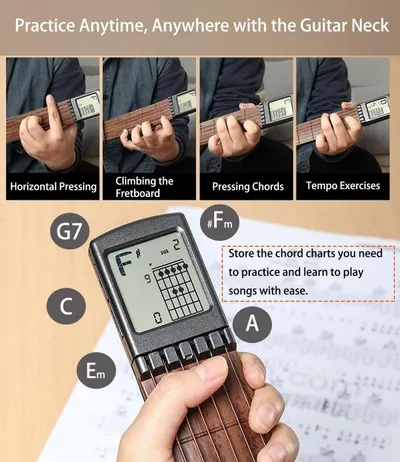 Pocket Guitar Chord Practice Tool
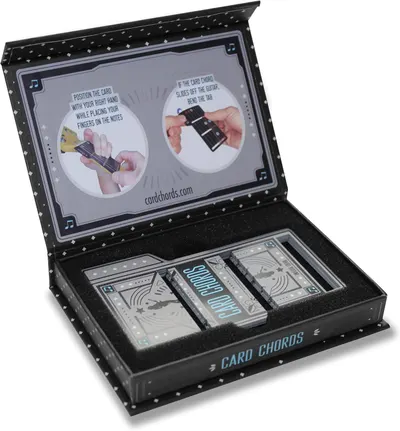 Learn Guitar in Minutes Deluxe Edition with Case Card Chords (Fits All Guitars) These…
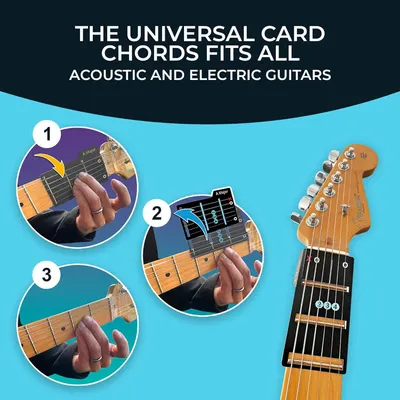 Learn Guitar in Minutes Deluxe Edition with Case Card Chords (Fits All Guitars) These…
 Learn Guitar in Minutes Deluxe Edition with Case Card Chords (Fits All Guitars) These…
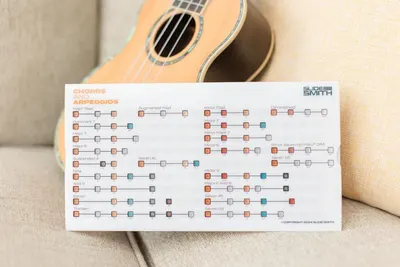 Note Navigator
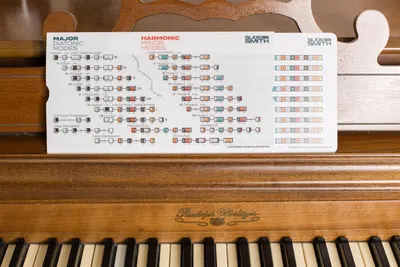 Note Navigator
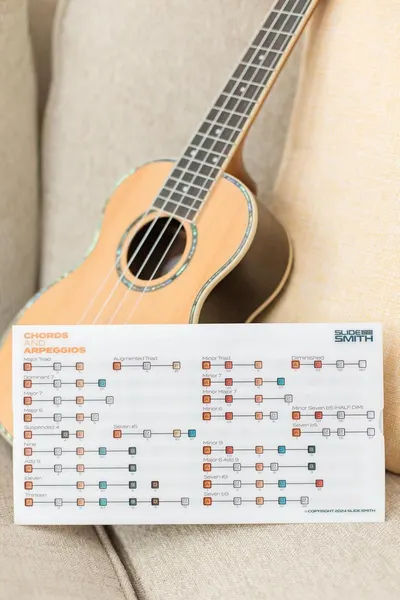 Note Navigator
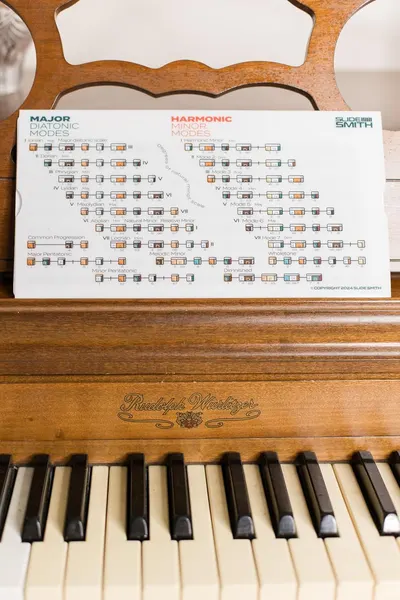 Note Navigator
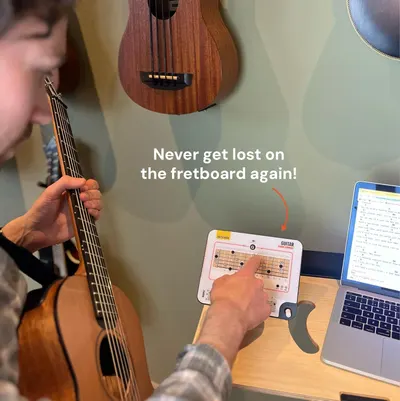 Sliding Guitar Chord Compass & Book
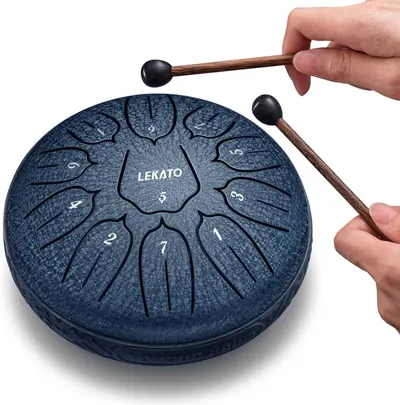 LEKATO Steel Tongue Drum 6 Inch 11 Notes
This image belongs to TONOR and is shown for design research. Request removal.