Logitech MK250 Bluetooth Wireless Mouse and Keyboard Combo: Fast & Easy Connectivity: How to Use Images
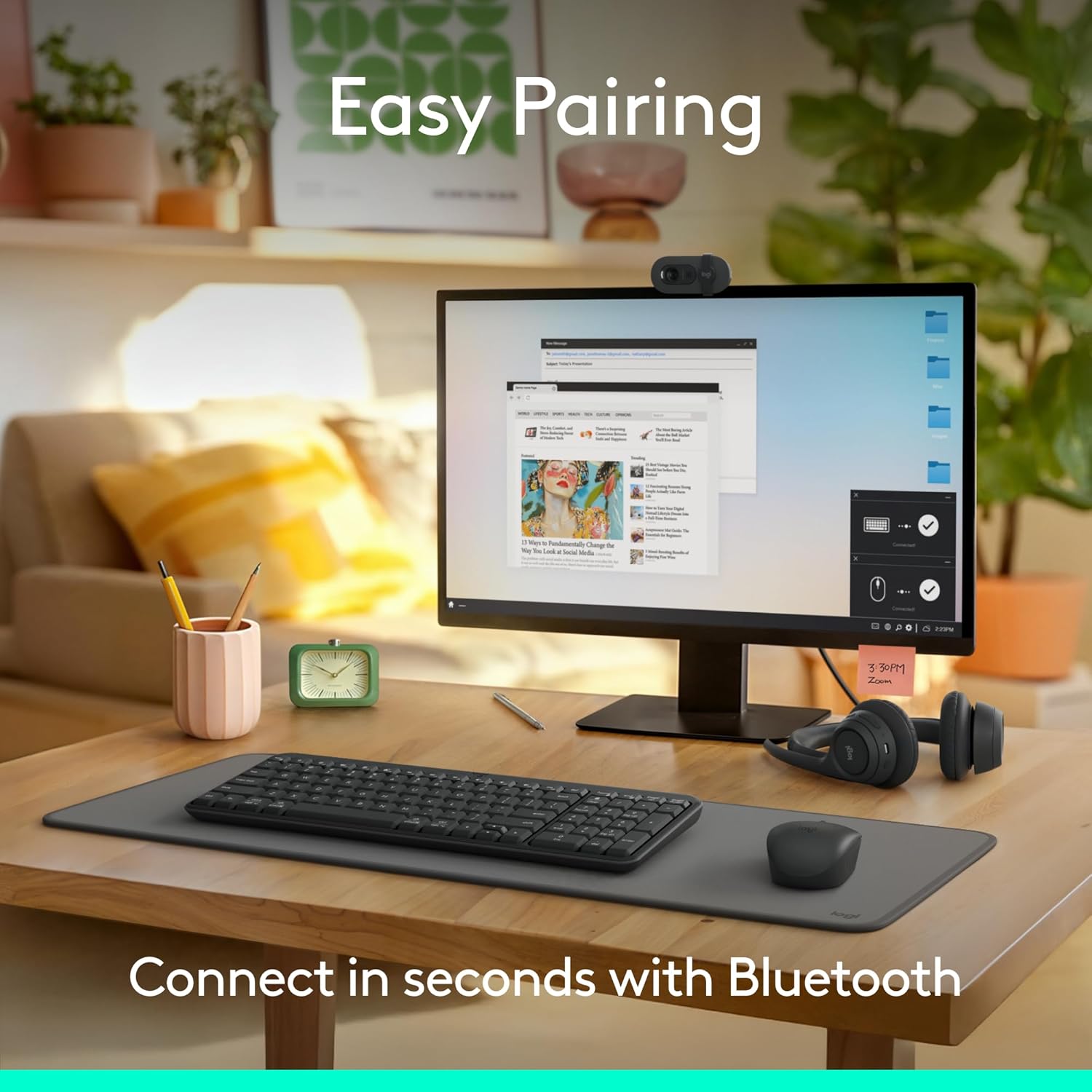
Demonstrates how quickly and easily the product can be connected via Bluetooth, emphasizing convenience for the user. Highlights the product's key feature of connecting in seconds with Bluetooth, showcasing its ease of use.
- Brand
- Logitech
- Category
- Electronics › Computers & Accessories › Computer Accessories & Peripherals › Keyboards, Mice & Accessories › Keyboard & Mouse Combos
- Image type
- How to Use Images, Single Benefit Images, Secondary Images
- Design focus
- Easy Bluetooth Pairing; Fast Bluetooth Connection
- Listing position
- Image 2
- Marketplace
- United States
- Best Sellers Rank
- #6 in Computer Keyboard & Mouse Combos
- Full listing
- See all 10 images in order
- ASIN
- B0F36RKWDH
See your listing next to your competitors
Paste your Amazon link. We score every image and show what the top sellers do differently. Your first comparison is free.
What this image does at a glance
- Score
- 69 / 100 · Readable
- Headline
- Connect in seconds with Bluetooth
- Headline height
- 4.6% of the image
- Headline contrast
- Lc 53
- Text on the image
- 6.9% of the image, 3 blocks
- Blurred to tile size
- headline no longer readable
- headline unreadable at phone-tile blur
Listing bullet points
- Connect in seconds: Fast, easy Bluetooth wireless technology—pair and play this Logitech Wireless Keyboard and Mouse Combo without the need for a dongle or USB port
- Durable and reliable: Built for quality, MK250 Bluetooth keyboard offers long-lasting keys, a spill-resistant design (2), and a 12-month keyboard battery life (1)
- Comfort is key: Deep-profile keys and an adjustable tilt-leg design make typing feel great
- Space-saving: with a compact layout that still includes number pad, arrow keys, and handy F-key shortcuts
- Made responsibly: Designed to last, MK250 plastic parts are durably made with a minimum of 66% (mouse) and 64% (keyboard) recycled plastic (3)(4)
- Comfortable, compact: a mobile Bluetooth mouse small enough to toss in a bag with a smooth ambidextrous shape to guide either hand into a natural position
- Worry-free battery life: enjoy 12 months of daily use before changing batteries (1)
Similar how to use images in Electronics
 GEEKOM A7 Mini PC
 Sennehiser ACCENTUM Plus Wireless Headphones
 Sennehiser ACCENTUM Plus Wireless Headphones
 Sennehiser ACCENTUM Plus Wireless Headphones
 Sennheiser Consumer Audio Momentum 4 Wireless Headphones
 Sennheiser Consumer Audio Momentum 4 Wireless Headphones
 Sennheiser Consumer Audio Momentum 4 Wireless Headphones
 Sennehiser ACCENTUM Wireless Headphones
 Anker Adaptador hub USB-C
 Metal Switch Opener GPL 205G0 0.35oz
 Metal Switch Opener GPL 205G0 0.35oz
 RUNJRX
This image belongs to Logitech and is shown for design research. Request removal.