Logitech Signature Slim K950 Wireless Keyboard: How to Use Images
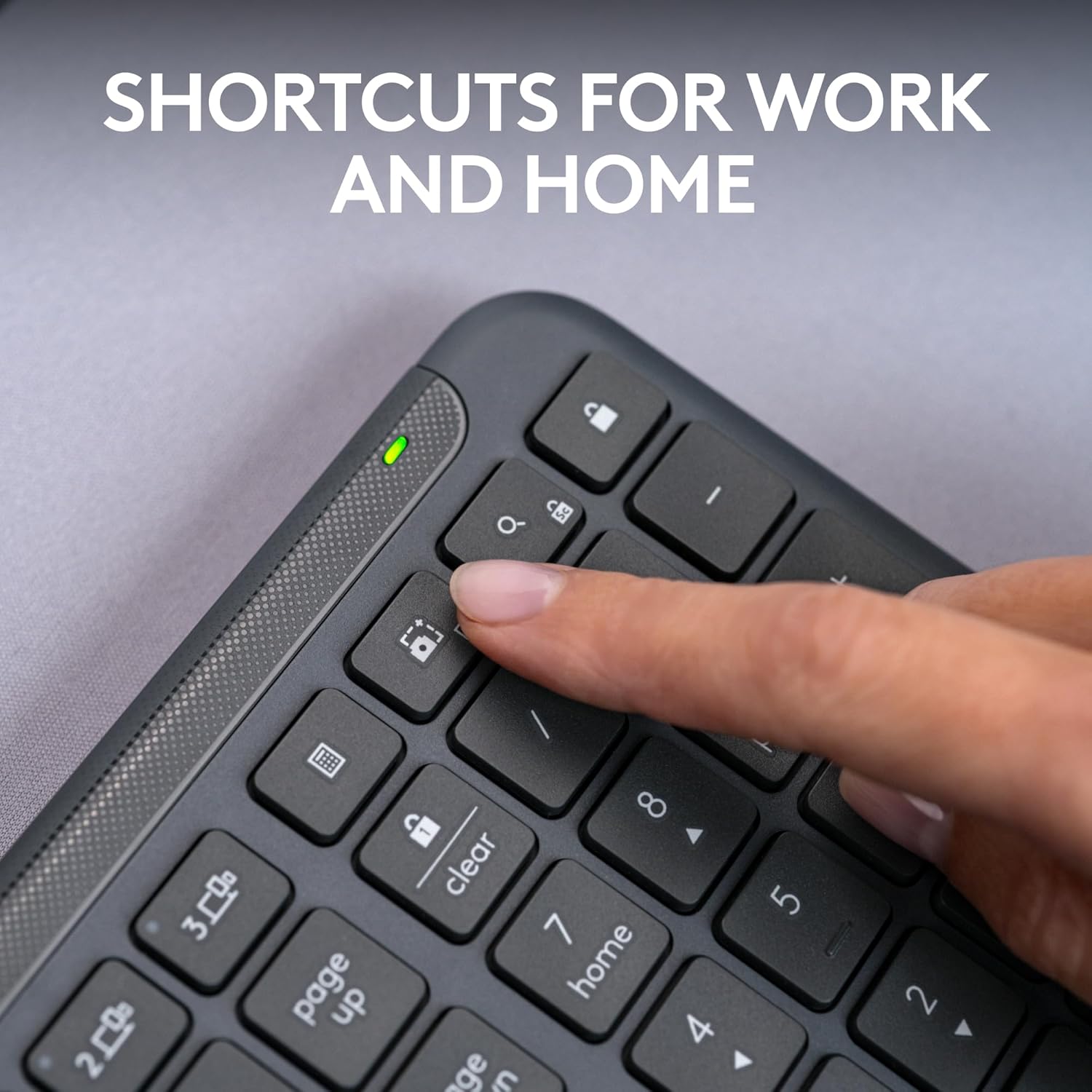
Highlights the keyboard's shortcut keys to show how it can improve productivity at work and home.
- Brand
- Logitech
- Category
- Electronics › Computers & Accessories › Computer Accessories & Peripherals › Keyboards, Mice & Accessories › Keyboards
- Image type
- How to Use Images, Secondary Images
- Design focus
- Keyboard Shortcuts
- Listing position
- Image 9
- Marketplace
- United States
- Best Sellers Rank
- #17 in Computer Keyboards
- Full listing
- See all 12 images in order
- ASIN
- B0CT4Q7Y2V
See your listing next to your competitors
Paste your Amazon link. We score every image and show what the top sellers do differently. Your first comparison is free.
What this image does at a glance
- Score
- 47 / 100 · Hard to read small
- Headline
- 3 Г00
- Headline height
- 9.6% of the image
- Headline contrast
- Lc 38
- Text on the image
- 11.5% of the image, 8 blocks
- Blurred to tile size
- headline no longer readable
Listing bullet points
- Switch Typing Between Your Computer, Tablet or Phone : The Logitech Signature Slim Wireless Keyboard K950 lets you switch typing between three devices with a single tap – just like that
- Save Time Like Magic : Do more than you ever dreamed by using customizable keys with the Logi Options+ App; it's like magic ( available on Windows and macOS) (3) (4)
- Enhance Your Space : A sleek and solidly built full-size wireless Bluetooth keyboard with familiar laptop-style typing; made with recycled plastic (7)
- Quiet Typing : Conjure some focus time with quiet typing – others around you will appreciate your discreet, quiet keyboard
- Pair With Signature Mouse M650 : The Signature Mouse M650 allows you to scroll through documents line by line, or fly effortlessly through long web pages with the SmartWheel (5)
- Shortcuts for Work and Home : This computer keyboard features one-tap, out-of-the-box functions for work and home; play music, mute/unmute, use the snipping tool, control volume and more
- Works on Nearly Any Platform : Worry-free wireless connection to Windows, macOS, Chrome OS, Linux, iPadOS, iOS and Android; easily pair via Bluetooth or Logi Bolt (5) (8)
- Feel Good About Your Choice : Plastic parts in the Signature Slim keyboard include a minimum of 48% certified post-consumer recycled plastic (7)
Similar how to use images in Electronics
 GEEKOM A7 Mini PC
 Sennehiser ACCENTUM Plus Wireless Headphones
 Sennehiser ACCENTUM Plus Wireless Headphones
 Sennehiser ACCENTUM Plus Wireless Headphones
 Sennheiser Consumer Audio Momentum 4 Wireless Headphones
 Sennheiser Consumer Audio Momentum 4 Wireless Headphones
 Sennheiser Consumer Audio Momentum 4 Wireless Headphones
 Sennehiser ACCENTUM Wireless Headphones
 Anker Adaptador hub USB-C
 Metal Switch Opener GPL 205G0 0.35oz
 Metal Switch Opener GPL 205G0 0.35oz
 RUNJRX
This image belongs to Logitech and is shown for design research. Request removal.