Canon PIXMA TR7120 Wireless Color Inkjet Printer for Duplex Printing: How to Use Images
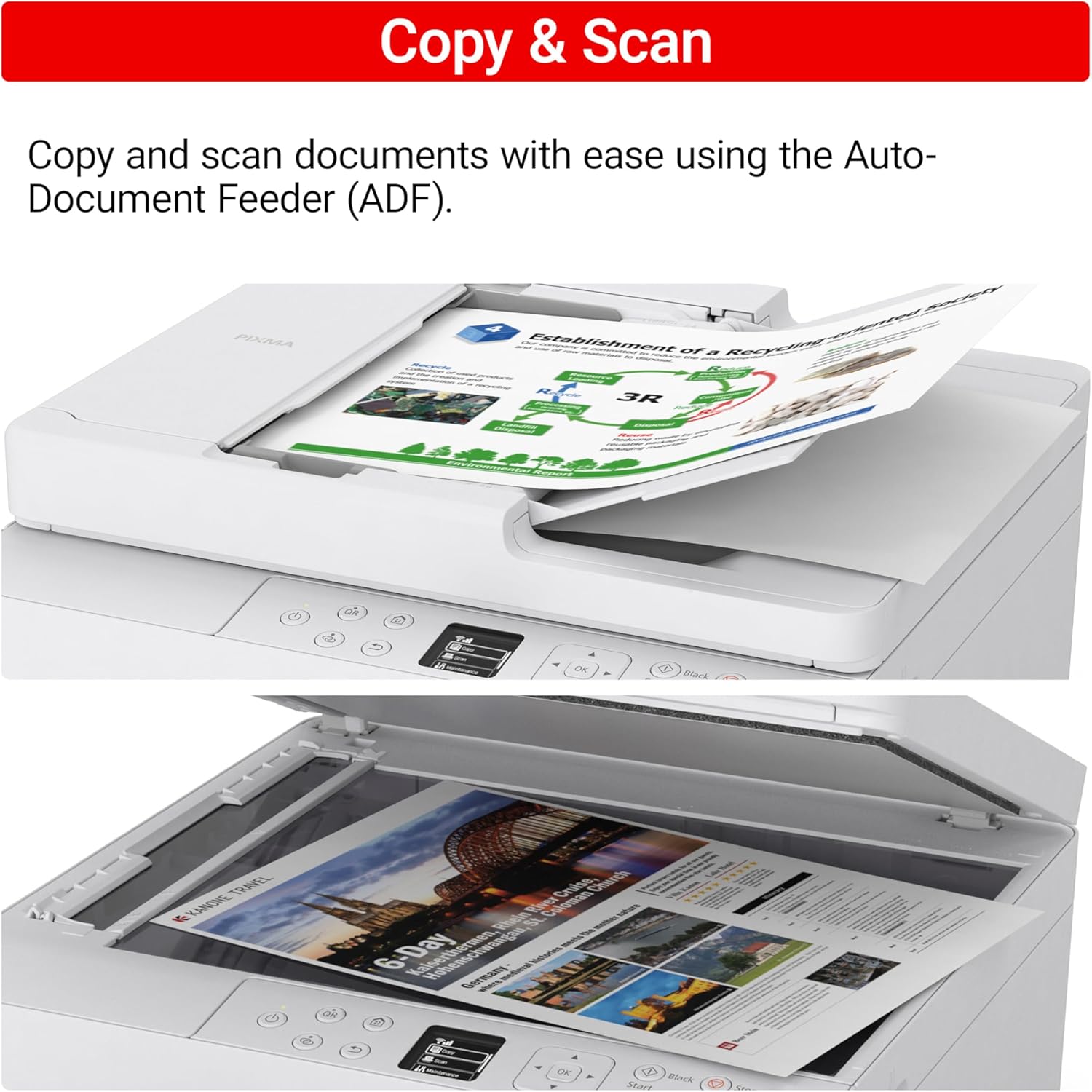
Demonstrates the printer's ability to easily copy and scan documents using the Auto-Document Feeder (ADF).
- Brand
- Canon
- Category
- Electronics › Camera & Photo › Printers & Scanners › Portable Photo Printers
- Image type
- How to Use Images, Secondary Images
- Design focus
- Copy and Scan Functionality
- Listing position
- Image 7
- Marketplace
- United States
- Best Sellers Rank
- #1,705 in Electronics (See Top 100 in Electronics) #12 in Portable Photo Printers
- Full listing
- See all 10 images in order
- ASIN
- B0FMB4JBJ8
See your listing next to your competitors
Paste your Amazon link. We score every image and show what the top sellers do differently. Your first comparison is free.
What this image does at a glance
- Score
- 40 / 100 · Unreadable small
- Headline
- Copy & Scan
- Headline height
- 7.6% of the image
- Headline contrast
- Lc 64
- Text on the image
- 7.4% of the image, 4 blocks
- Blurred to tile size
- headline no longer readable
Listing bullet points
- Affordable Versatility - A budget-friendly all-in-one printer perfect for both home users and hybrid workers, offering exceptional value
- Crisp, Vibrant Prints - Experience impressive print quality for both documents and photos, thanks to its 2-cartridge hybrid ink system that delivers sharp text and vivid colors
- Effortless Setup & Use - Get started quickly with easy setup for your smartphone or computer, so you can print, scan, and copy without delay
- Reliable Wireless Connectivity - Enjoy stable and consistent connections with dual-band Wi-Fi (2.4GHz or 5GHz), ensuring smooth printing from anywhere in your home or office
- Seamless Multi-Page Handling - Tackle multi-page documents with ease using the Auto Document Feeder (ADF) for quick scanning and copying
- Save Time & Paper - Optimize your printing with automatic 2-sided printing, reducing paper consumption and speeding up your workflow
- Diverse Media Support - Print a wide range of documents and photos up to 8.5” x 11”, with or without borders, for all your creative and professional needs
- Intuitive OLED Display - Easily monitor ink levels, printer status, and adjust settings at a glance using the 1.42” Monochrome OLED screen
Similar how to use images in Electronics
 GEEKOM A7 Mini PC
 Sennehiser ACCENTUM Plus Wireless Headphones
 Sennehiser ACCENTUM Plus Wireless Headphones
 Sennehiser ACCENTUM Plus Wireless Headphones
 Sennheiser Consumer Audio Momentum 4 Wireless Headphones
 Sennheiser Consumer Audio Momentum 4 Wireless Headphones
 Sennheiser Consumer Audio Momentum 4 Wireless Headphones
 Sennehiser ACCENTUM Wireless Headphones
 Anker Adaptador hub USB-C
 Metal Switch Opener GPL 205G0 0.35oz
 Metal Switch Opener GPL 205G0 0.35oz
 RUNJRX
This image belongs to Canon and is shown for design research. Request removal.