Eelexa Wallet Tracker Card: How to Use Images
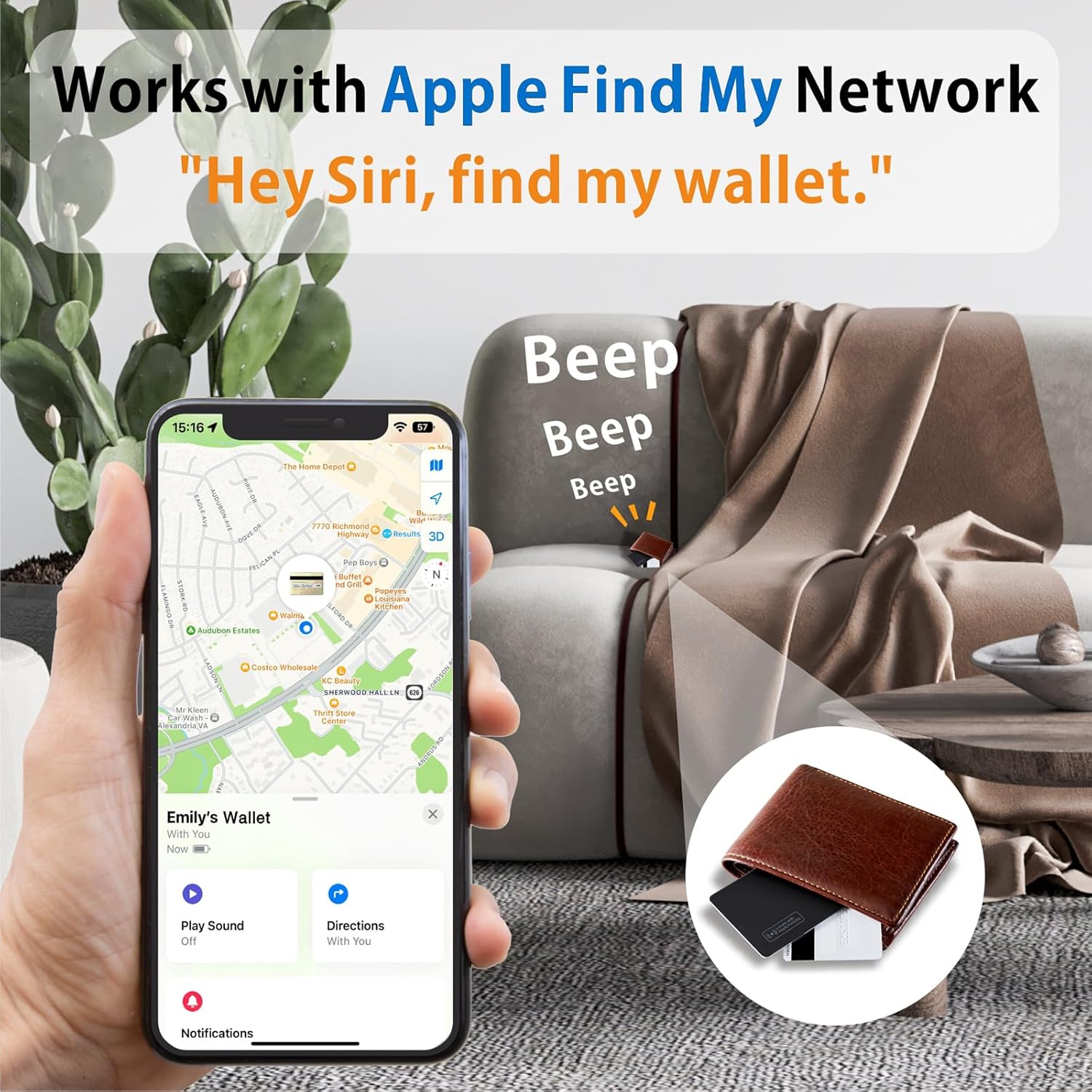
Demonstrates how the product integrates with Apple's Find My network to help locate lost items like wallets. Shows the simple process of using Siri voice command to locate the wallet, emphasizing ease of use.
- Brand
- Eelexa
- Category
- Electronics › GPS, Finders & Accessories › Item Finders
- Image type
- How to Use Images, Single Benefit Images, Secondary Images
- Design focus
- Apple Find My Network Compatibility; Using Siri to Find Wallet
- Listing position
- Image 3
- Marketplace
- United States
- Best Sellers Rank
- #4,933 in Electronics (See Top 100 in Electronics) #72 in Item Finders
- Full listing
- See all 8 images in order
- ASIN
- B0D8W3KGCZ
See your listing next to your competitors
Paste your Amazon link. We score every image and show what the top sellers do differently. Your first comparison is free.
What this image does at a glance
- Score
- 41 / 100 · Hard to read small
- Headline
- Веер
- Headline height
- 5.3% of the image
- Headline contrast
- Lc 65
- Text on the image
- 12.6% of the image, 17 blocks
- Blurred to tile size
- headline no longer readable
- headline unreadable at phone-tile blur
- 21 separate text blocks
Listing bullet points
- 【Slim SmartCard】- Eelexa wallet tracker card features an ultra-slim design, approximately 1.6mm thin, seamlessly fitting into most wallets. It is designed to attach securely to wallets, ID cards, and luggage tags for added convenience. Compatibility with specific electronic devices or oversized…
- 【Wireless Charging】- Simplify charging with wireless technology. A full charge lasts up to 5 months, indicated by a color-changing LED light. Eelexa apple find my wallet card can reusable multiple times.
- 【Find Nearby】- Within a Bluetooth range of up to 164 feet, trigger the built-in speaker to locate your belongings via your phone or ask Siri. Compatible with Apple devices, it offers easy tracking through the 'Find My' app. (Android devices are not supported.)
- 【Left-Behind Remind】- When the card tracker for wallet is out of Bluetooth range, your iPhone will receive a notification with the last known location. View the most recent location on the 'Find My' app, with no subscription fees.
- 【Share This Item】- New for iOS 17, share your wallet card with up to 5 borrowers, letting them view its location on a map. Borrowers won’t get tracking notifications as the item moves with them. Ensure your iOS device is updated to iOS 17.
- 【Lost Mode】- Activate Lost Mode on your luggage tracker to find your belongings with the help of hundreds of millions of Apple devices in the 'Find My' network. You'll automatically get a notification when it's detected by an Apple device.
- 【IP68 Waterproof & Dust Resistant】- With an IP68 rating, item wallet finder withstands immersion in water up to 3 feet for 30 minutes. Ideal for outdoor activities, it confidently handles splashes, rain, and brief submersion.
- 【Privacy Protection】- Assured data security. The Eelexa smart card tracker never stores your location data or history publicly. All location information is anonymous and encrypted.
Similar how to use images in Electronics
 GEEKOM A7 Mini PC
 Sennehiser ACCENTUM Plus Wireless Headphones
 Sennehiser ACCENTUM Plus Wireless Headphones
 Sennehiser ACCENTUM Plus Wireless Headphones
 Sennheiser Consumer Audio Momentum 4 Wireless Headphones
 Sennheiser Consumer Audio Momentum 4 Wireless Headphones
 Sennheiser Consumer Audio Momentum 4 Wireless Headphones
 Sennehiser ACCENTUM Wireless Headphones
 Anker Adaptador hub USB-C
 Metal Switch Opener GPL 205G0 0.35oz
 Metal Switch Opener GPL 205G0 0.35oz
 RUNJRX
This image belongs to Eelexa and is shown for design research. Request removal.