Wallet Tracker Card Air-Tag (iOS Only): How to Use Images
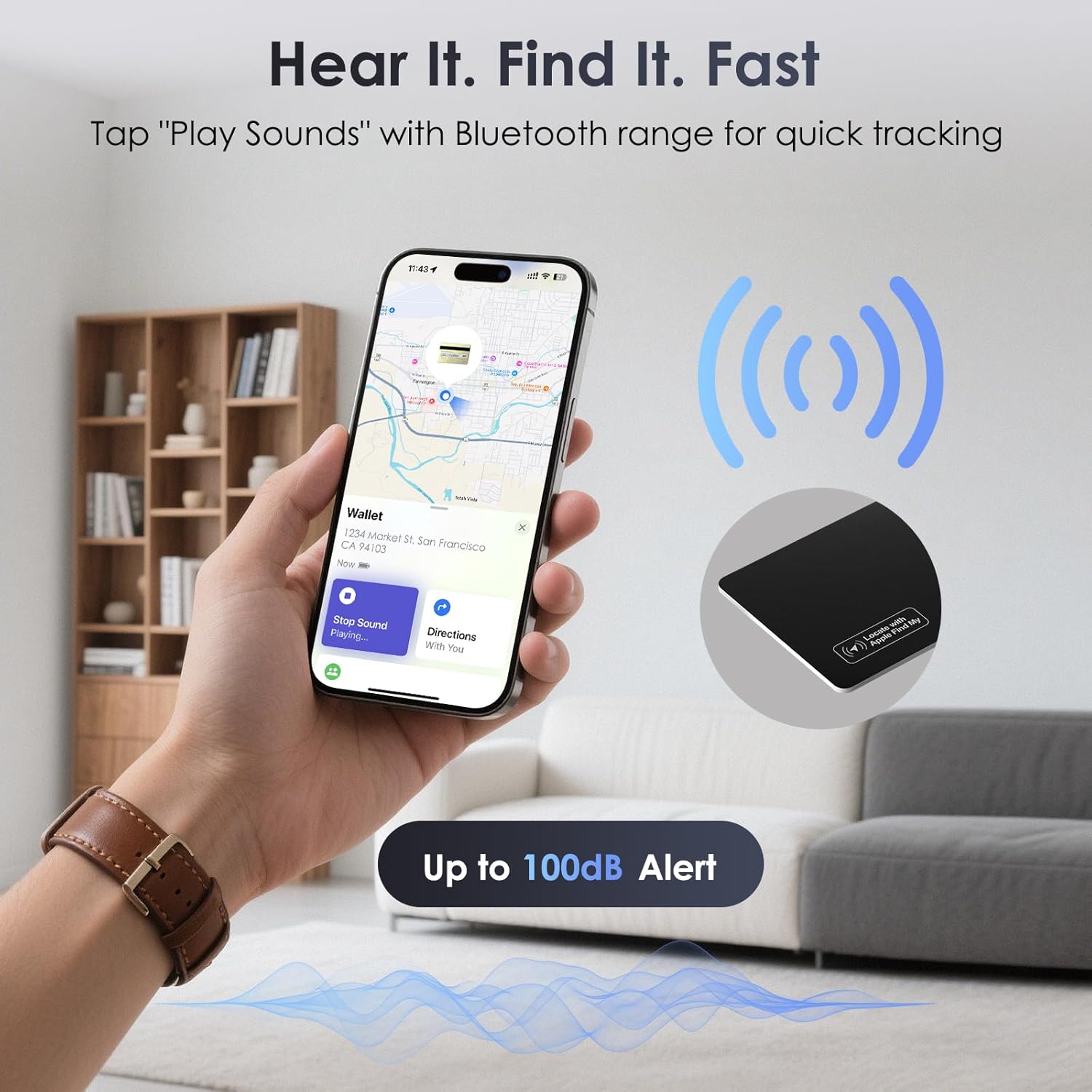
Demonstrates how to use the product's sound feature to quickly locate lost items within Bluetooth range. Highlights the loud 100dB alert feature to reassure users they can easily hear the device when locating lost items.
- Brand
- KINDEEP
- Category
- Electronics › GPS, Finders & Accessories › Item Finders
- Image type
- How to Use Images, Single Benefit Images, Secondary Images
- Design focus
- Item Tracking; Bluetooth Range; 100dB Alert
- Listing position
- Image 3
- Marketplace
- United States
- Best Sellers Rank
- #603 in Electronics (See Top 100 in Electronics) #9 in Item Finders
- Full listing
- See all 8 images in order
- ASIN
- B0F6LVTMGP
See your listing next to your competitors
Paste your Amazon link. We score every image and show what the top sellers do differently. Your first comparison is free.
What this image does at a glance
- Score
- 34 / 100 · Unreadable small
- Headline
- ((0)))
- Headline height
- 14.5% of the image
- Headline contrast
- Lc 24
- Text on the image
- 11.2% of the image, 12 blocks
- Blurred to tile size
- headline still readable
- lower text "((()))" is 13.7% of height, needs 5.5%
- headline contrast below APCA minimum (Lc 24)
Listing bullet points
- Easy Connection with Apple Find My: Easily pair KINDEEP Wallet Tracker Card with your Apple devices via the Find My app, helping locate your wallets, purses, bags, luggage, and more, never lost again. ONLY FOR iOS, NOT FOR ANDROID
- 100dB Loud Ring for Location: Tap "Play Sound" in the Find My app, thin wallet tracker card emits up to 100dB within Bluetooth range, loud enough to hear from inside couches, bags, or wallets
- Ultra-Slim 0.07in Design Fits Wallet: Wallet tracking card fits perfectly in slim wallets, Kindles, and cardholders without bulk. IP68 Waterproof design resists everyday splashes. A practical gift for Father's Day, Birthday
- Wireless Charging, Long Battery Life: Recharge easily with any Qi wireless charger (NOT included). Need to align the charge symbol for instant power. Up to 5 months of standby on a single full charge; actual time varies with usage
- Left Behind Alerts & Lost Mode: The find my wallet tracker notifies your phone if you leave your wallet behind. If lost, enable Lost Mode and share your contact details to make it easier for others to find your item
- Privacy Protection: Assured data security. The smart card tracker never stores your location data publicly. Location data is encrypted every step of the way, keeping your information private
Similar how to use images in Electronics
 GEEKOM A7 Mini PC
 Sennehiser ACCENTUM Plus Wireless Headphones
 Sennehiser ACCENTUM Plus Wireless Headphones
 Sennehiser ACCENTUM Plus Wireless Headphones
 Sennheiser Consumer Audio Momentum 4 Wireless Headphones
 Sennheiser Consumer Audio Momentum 4 Wireless Headphones
 Sennheiser Consumer Audio Momentum 4 Wireless Headphones
 Sennehiser ACCENTUM Wireless Headphones
 Anker Adaptador hub USB-C
 Metal Switch Opener GPL 205G0 0.35oz
 Metal Switch Opener GPL 205G0 0.35oz
 RUNJRX
This image belongs to KINDEEP and is shown for design research. Request removal.