Tile by Life360 Slim: How to Use Images
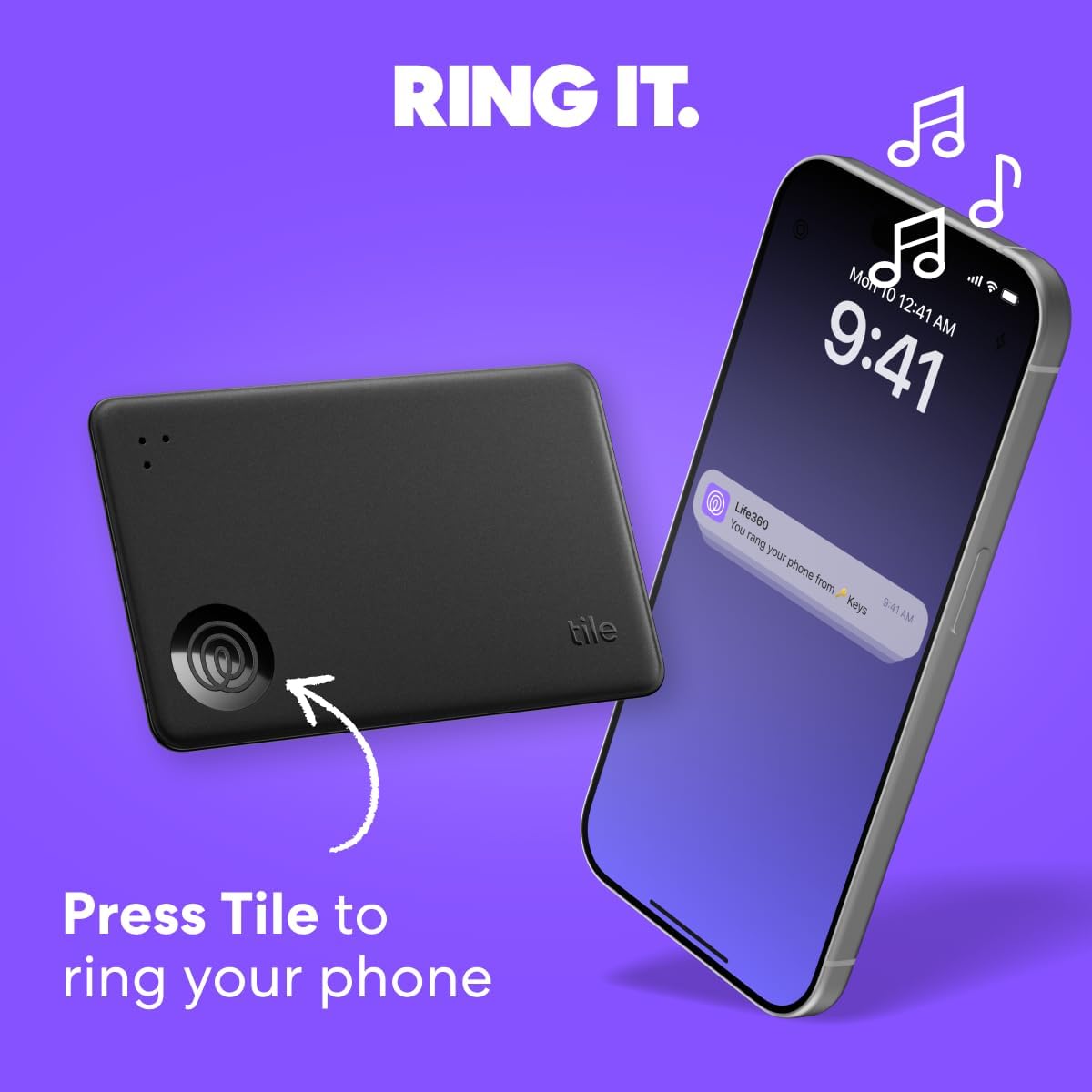
Demonstrates how to use the Tile device to locate a misplaced phone by pressing the Tile to make the phone ring. Highlights the key feature of using the Tile device to find a lost phone, emphasizing its simplicity and effectiveness.
- Brand
- Tile
- Category
- Electronics › GPS, Finders & Accessories › Item Finders
- Image type
- How to Use Images, Single Benefit Images, Secondary Images
- Design focus
- Find Lost Phone; Phone Locator
- Listing position
- Image 4
- Marketplace
- United States
- Best Sellers Rank
- #224 in Electronics (See Top 100 in Electronics) #4 in Item Finders
- Full listing
- See all 7 images in order
- ASIN
- B0D637HK8Q
See your listing next to your competitors
Paste your Amazon link. We score every image and show what the top sellers do differently. Your first comparison is free.
What this image does at a glance
- Score
- 42 / 100 · Hard to read small
- Headline
- You rang your phone from Keys
- Headline height
- 9.9% of the image
- Headline contrast
- Lc 38
- Text on the image
- 10.4% of the image, 10 blocks
- Blurred to tile size
- headline no longer readable
- lower text "ring your phone" is 2.6% of height, needs 5.5%
- headline contrast below APCA minimum (Lc 38)
- headline unreadable at phone-tile blur
Listing bullet points
- OUR THINNEST TRACKER: Protect lost or stolen stuff and make family life easier. Slide into wallets, passports, luggage, and more
- STAY SAFE WITH SOS: Discreetly trigger an SOS alert to your loved ones in unsafe situations
- FIND YOUR THINGS: Ring your misplaced Tile, or track it down in the free app
- FIND YOUR PHONE: Phone hiding under a cushion? Use your Tile to make it ring — even when silenced
- USE WITH LIFE360: Add your Tiles to Life360 — a top family connection and safety app – to see everything and everyone on the same map
- WORKS WITH iOS AND ANDROID: The free Life360 app works for all households and individuals
- TECH SPECS: 350-foot / 105m Bluetooth range. 3-year battery. Water resistant (IP68 rated)
- GIVE THE GIFT OF FINDING: Tile is an easy and functional gift for family and friends
Similar how to use images in Electronics
 GEEKOM A7 Mini PC
 Sennehiser ACCENTUM Plus Wireless Headphones
 Sennehiser ACCENTUM Plus Wireless Headphones
 Sennehiser ACCENTUM Plus Wireless Headphones
 Sennheiser Consumer Audio Momentum 4 Wireless Headphones
 Sennheiser Consumer Audio Momentum 4 Wireless Headphones
 Sennheiser Consumer Audio Momentum 4 Wireless Headphones
 Sennehiser ACCENTUM Wireless Headphones
 Anker Adaptador hub USB-C
 Metal Switch Opener GPL 205G0 0.35oz
 Metal Switch Opener GPL 205G0 0.35oz
 RUNJRX
This image belongs to Tile and is shown for design research. Request removal.