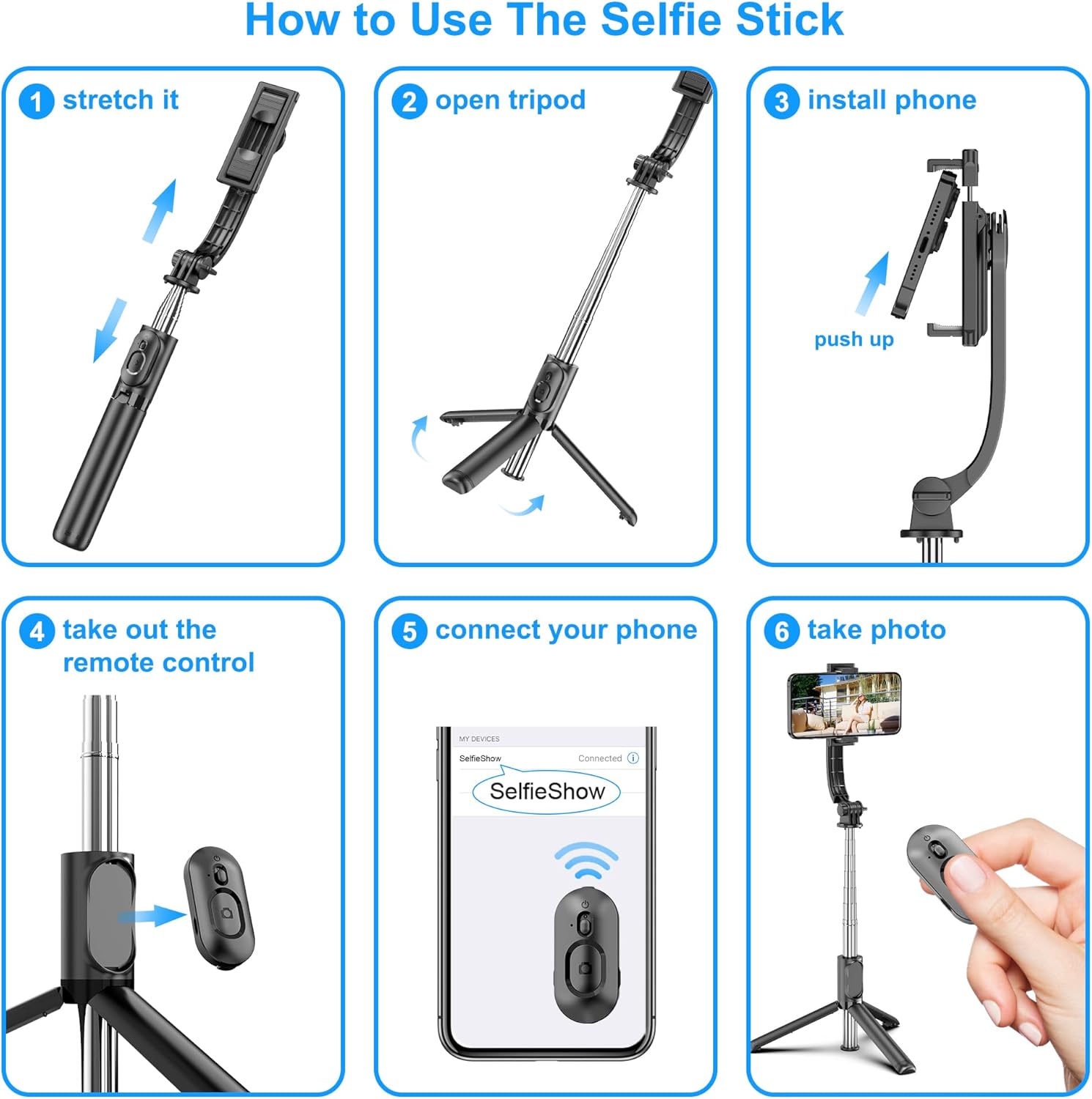
SelfieShow Selfie Stick: How to Use Images
Provides step-by-step instructions on how to set up and use the selfie stick, making it easy for customers to understand the product's functionality.
- Brand
- SelfieShow
- Category
- Cell Phones & Accessories › Accessories › Photo & Video Accessories › Tripods
- Image type
- How to Use Images, Secondary Images
- Design focus
- Selfie Stick Setup
- Listing position
- Image 6
- Marketplace
- United States
- Best Sellers Rank
- #674 in Cell Phones & Accessories (See Top 100 in Cell Phones & Accessories) #7 in Cell Phone Tripods
- Full listing
- See all 11 images in order
- ASIN
- B082YQTQPC
See your listing next to your competitors
Paste your Amazon link. We score every image and show what the top sellers do differently. Your first comparison is free.
What this image does at a glance
- Score
- 14 / 100 · Unreadable small
- Headline
- How to Use The Selfie Stick
- Headline height
- 3.1% of the image
- Headline contrast
- Lc 58
- Text on the image
- 5.7% of the image, 14 blocks
- Blurred to tile size
- headline no longer readable
Listing bullet points
- 【All in 1 Selfie Stick Tripod】: This is a nifty piece of kit, not only a selfie stick but can also be converted very easily into a phone stand, At the bottom end, you can release the three legs to get a tabletop tripod. In normal conditions on a flat surface, The shorter it is extended, the more…
- 【Extendable & Foldable Selfie Stick】: The Selfie Stick thanks to the hidden retractable design, It is extremely compact when folded up, only 7.64 inches (19.4CM) 150g, very light to carry, Fits perfectly in a handbag ready to use whenever. But also can extend a long way (to 41.73 inches/106 cm…
- 【Detachable Remote Control】: The selfie stick comes with a battery-powered button, The button clicks out of the handle with a little push, To switch on and make the unit visible to the phone via, it’s as simple as holding the remote button down for a few seconds and the selfie stick appears and is…
- 【Adjustable Phone Holder】: The Phone clips to hold your phone are simple enough, you unfold the two little pads and extend the sprung end of the clip to hold your phone, very sturdy and grips your phone nice and tight. 245° rotation head allows you to find your favourite shooting angle by simply…
- 【Widely Compatible and Warranty】: The width of the phone holder is between 6.5-9.5cm, Compatible with Most Smart Phone and Gopro in Market, such as iPhone 16/15/14/13/13 Pro/12/12 Mini/12 Pro/12 Pro Max/11/11 Pro/XR/X/8 Plus/Galaxy Note 20/S20/S10/S9/Google/OnePlus/Android Smartphone. SelfieShow…
Similar how to use images in Cell Phones & Accessories
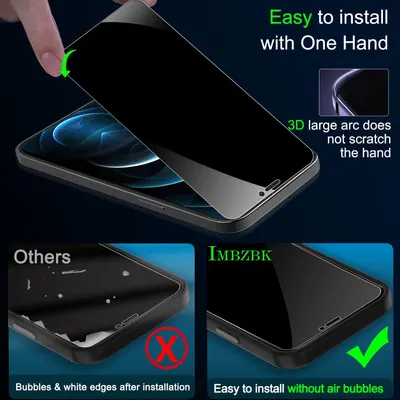 IMBZBK 3 Pack Privacy Screen Protector for iPhone 12 Pro Max Tempered Glass with 3 Pack…
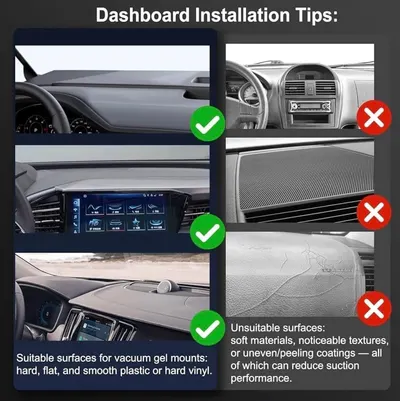 2026 Upgraded Vacuum Magnetic Car Phone Holder 360° Reinforced Ultra Suction Cup Phone…
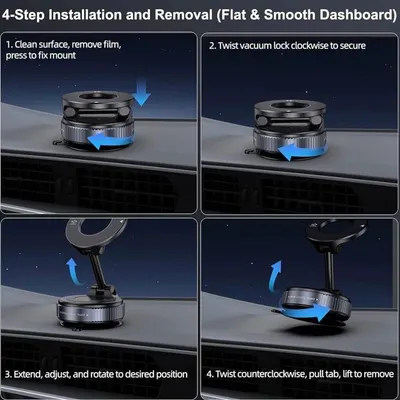 2026 Upgraded Vacuum Magnetic Car Phone Holder 360° Reinforced Ultra Suction Cup Phone…
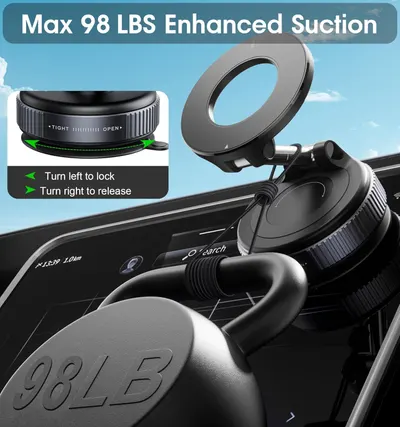 2026 Upgraded Vacuum Magnetic Car Phone Holder 360° Reinforced 96LBS Ultra Suction Cup…
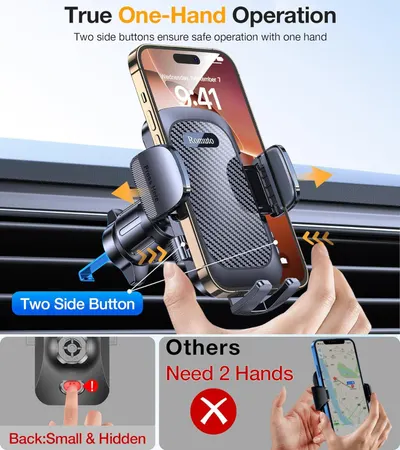 Romuto Phone Holders for Your Car Phone Holder Mount【Super Suction】Cell Phone Mount for…
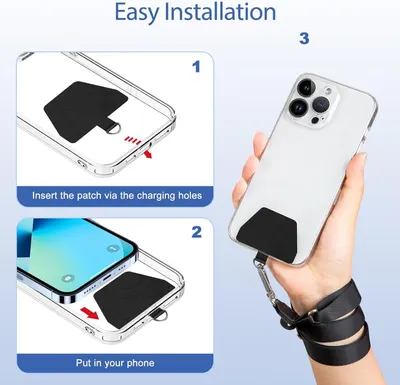 Doormoon Phone Lanyard
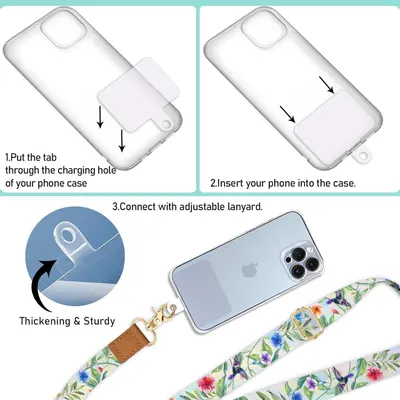 Phone Lanyard Crossbody Wrist Strap
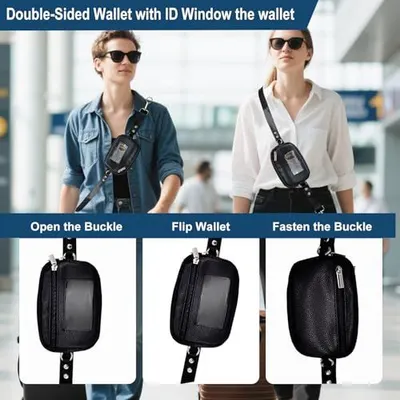 Clip&Go Strap for Phone with Wallet Crossbody Detachable Zippered Pouch&Phone Lanyard
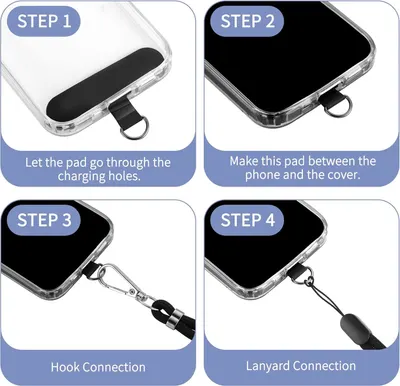 CACOE Cell Phone Lanyard 2 Pcs-1 Pcs Adjustable Neck Strap
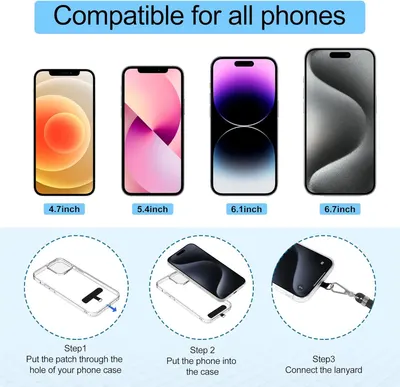 takyu Phone Lanyard
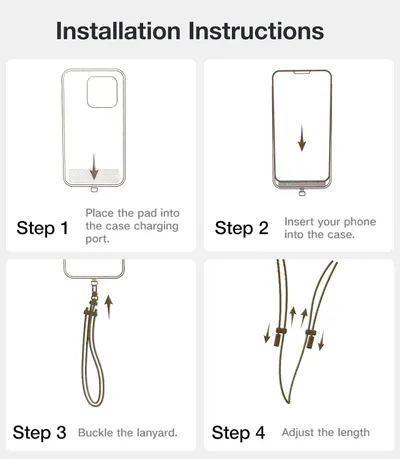 TORRAS Phone Lanyard Crossbody with 2 Phone Tabs
 CACOE Phone Lanyard 2 Pack-2× Adjustable Neck Strap
This image belongs to SelfieShow and is shown for design research. Request removal.