Temdan 2 Pack Lightning to USB C Adapter for iPhone 15/16 Pro/Pro Max/Plus: How to Use Images
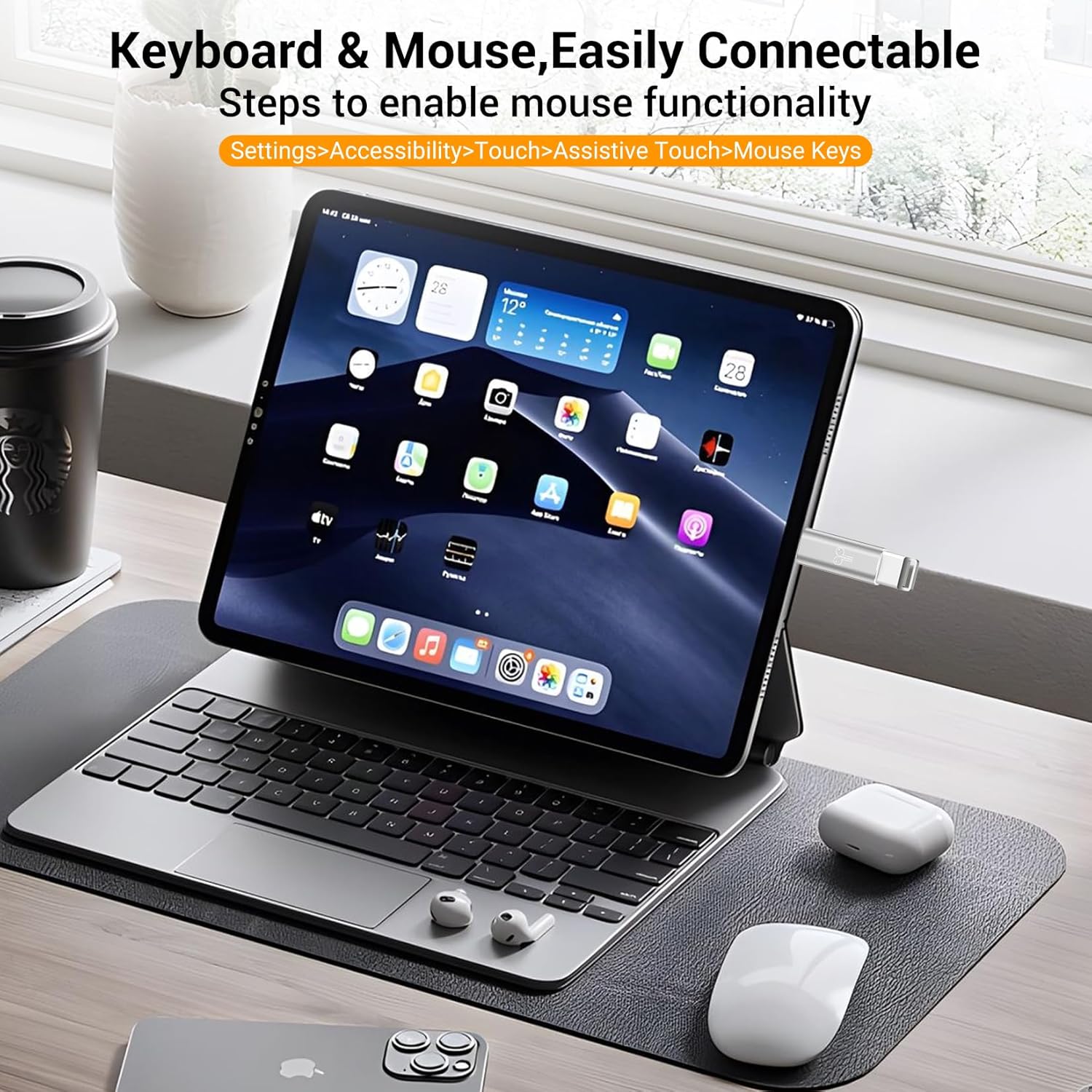
Explains the steps to enable mouse functionality on an iPad by navigating through the accessibility settings.
- Brand
- Temdan
- Category
- Cell Phones & Accessories › Accessories › Cables & Adapters › OTG Adapters
- Image type
- How to Use Images, Secondary Images
- Design focus
- Enable mouse functionality
- Listing position
- Image 7
- Marketplace
- United States
- Best Sellers Rank
- #225 in Cell Phones & Accessories (See Top 100 in Cell Phones & Accessories) #3 in Cell Phone OTG Adapters
- Full listing
- See all 7 images in order
- ASIN
- B0DJQP9Y7P
See your listing next to your competitors
Paste your Amazon link. We score every image and show what the top sellers do differently. Your first comparison is free.
What this image does at a glance
- Score
- 25 / 100 · Unreadable small
- Headline
- Keyboard & Mouse,Easily Connectable
- Headline height
- 3.4% of the image
- Headline contrast
- Lc 104
- Text on the image
- 8.7% of the image, 4 blocks
- Blurred to tile size
- headline no longer readable
Listing bullet points
- 【Note】 This adapter is a USB-C to Lightning type and does not support HDMI, VGA, or other video signals. Nevertheless, it is excellent in charging devices, transferring files, and integrating smoothly with USB-C headphones, wireless network cards, and SD card adapters. Please note that data…
- 【Support for Audio & OTG】This adapter facilitates charging and data synchronization between your phone and computer. It supports OTG video and audio functions as well as various peripherals including headphones, mice, keyboards, flash drives, card readers, printers, microphones, cameras etc. Note…
- 【Wide Compatibility】Compatible with iPhone models 14 through 5s—including iPhone SE/New SE/7/7 Plus/6/6 Plus/6s/6s Plus—iPad Pro (10.5" & 12.9"), iPad (5th & 4th generations), iPad Air (2nd generation), iPad Mini series (3rd & 2nd generations), iPod Nano (7th generation), iPod Touch (5th…
- 【Superior Durability】All adapters included in this pack are constructed from premium aluminum alloy casing designed to protect core components from impact while easily enduring rigorous use over an extended period.
- 【Trusted Temdan Quality and Service】As a responsible brand seller, we offer Temdan's 12-month quality assurance along with lifetime friendly customer service. You are not merely purchasing an accessory; you are investing in peace of mind backed by comprehensive quality standards and exceptional…
Similar how to use images in Cell Phones & Accessories
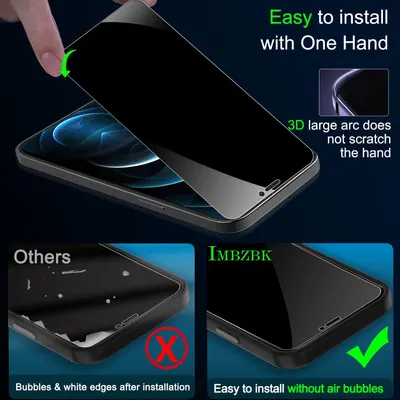 IMBZBK 3 Pack Privacy Screen Protector for iPhone 12 Pro Max Tempered Glass with 3 Pack…
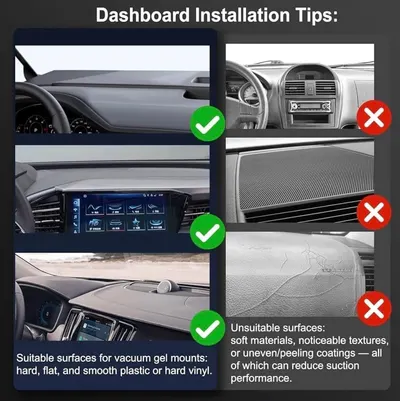 2026 Upgraded Vacuum Magnetic Car Phone Holder 360° Reinforced Ultra Suction Cup Phone…
 2026 Upgraded Vacuum Magnetic Car Phone Holder 360° Reinforced Ultra Suction Cup Phone…
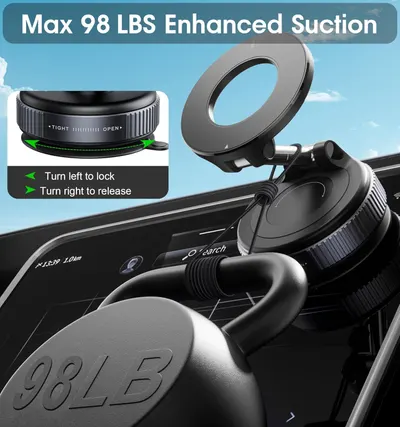 2026 Upgraded Vacuum Magnetic Car Phone Holder 360° Reinforced 96LBS Ultra Suction Cup…
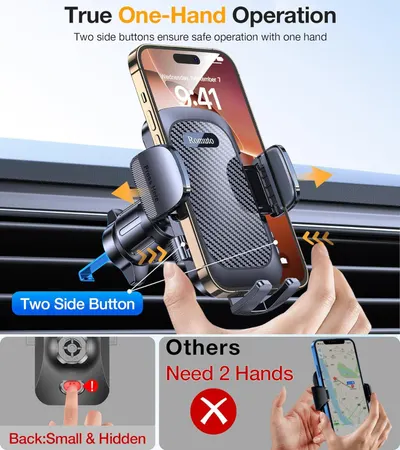 Romuto Phone Holders for Your Car Phone Holder Mount【Super Suction】Cell Phone Mount for…
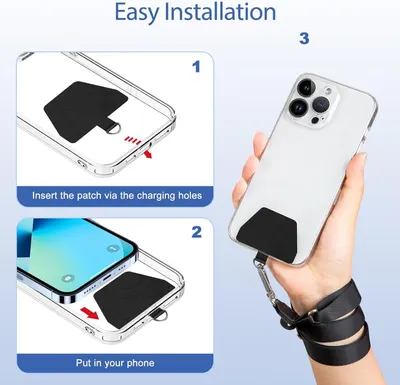 Doormoon Phone Lanyard
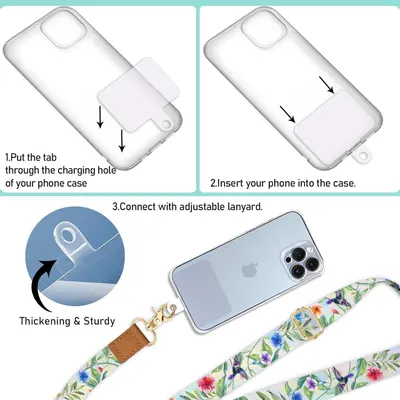 Phone Lanyard Crossbody Wrist Strap
 Clip&Go Strap for Phone with Wallet Crossbody Detachable Zippered Pouch&Phone Lanyard
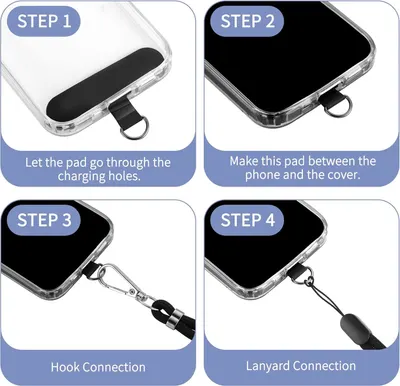 CACOE Cell Phone Lanyard 2 Pcs-1 Pcs Adjustable Neck Strap
 takyu Phone Lanyard
 TORRAS Phone Lanyard Crossbody with 2 Phone Tabs
 CACOE Phone Lanyard 2 Pack-2× Adjustable Neck Strap
This image belongs to Temdan and is shown for design research. Request removal.