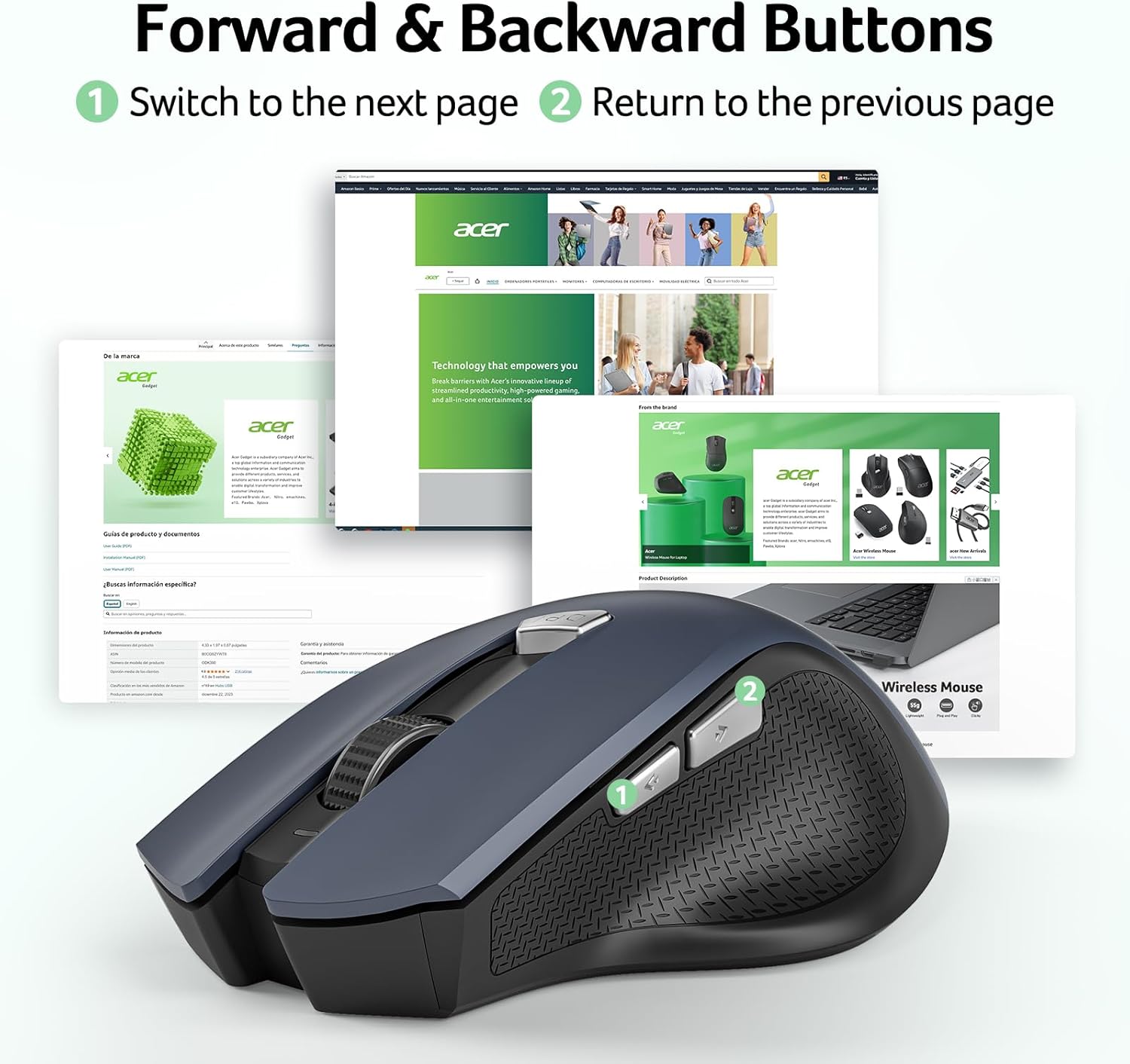
acer Wireless Mouse for Laptop: How to Use Images
Explains how to use the forward and backward buttons on the wireless mouse to navigate between pages or screens.
- Brand
- acer
- Category
- Electronics › Computers & Accessories › Computer Accessories & Peripherals › Keyboards, Mice & Accessories › Mice
- Image type
- How to Use Images, Secondary Images
- Design focus
- Forward and Backward Navigation
- Listing position
- Image 4
- Marketplace
- United States
- Best Sellers Rank
- #7 in Computer Mice
- Full listing
- See all 9 images in order
- ASIN
- B0F5HPCLGB
See your listing next to your competitors
Paste your Amazon link. We score every image and show what the top sellers do differently. Your first comparison is free.
What this image does at a glance
- Score
- 50 / 100 · Hard to read small
- Headline
- Forward & Backward Buttons
- Headline height
- 4.7% of the image
- Headline contrast
- Lc 105
- Text on the image
- 8.8% of the image, 8 blocks
- Blurred to tile size
- headline no longer readable
Listing bullet points
- 【Plug and Play for Home Office】The wireless computer mouse features 2.4GHz connectivity, delivering a stable, interference-free connection up to 32ft. Designed for medium to large sized hands, it ensures comfortable use all day. Simply plug in the USB-A receiver for instant pairing—no drivers…
- 【3 Levels Adjustable DPI】This travel USB mouse offers 3 adjustable DPI settings (800, 1200, 1600), allowing you to customize sensitivity for precise design work. Effortlessly switch to match your task and elevate your productivity. 📌 Please remove the film at the bottom of the mouse before use.
- 【Effortless Browsing】Equipped with forward and backward buttons, this computer mice streamlines your workflow, making it easy to navigate through web pages and files with a simple click. 📌Side button does not work on Mac.
- 【Visible Indicator Light】 The pc mouse features a visual indicator for DPI levels and low battery alerts. The red light flashes once for 800 DPI, twice for 1200 DPI, and three times for 1600 DPI. When the battery level is below 10%, the light flashes red until the mouse is completely out of power.
- 【Click to Wake】With smart sleep mode, it saves power by standby after 10 inactive minutes, just 2-3 clicks to wake. This efficient design delivers 3x longer battery life than motion-wake mice. Engineered for durability, its buttons and scroll wheel are tested for 10 million clicks, ensuring…
- NOTE: The AAA batteries are not included. The USB-A receiver is conveniently stored in the battery compartment at the back of the mouse. Make sure the battery cover is fully embedded in the slot to prevent loosening.
Similar how to use images in Electronics
 GEEKOM A7 Mini PC
 Sennehiser ACCENTUM Plus Wireless Headphones
 Sennehiser ACCENTUM Plus Wireless Headphones
 Sennehiser ACCENTUM Plus Wireless Headphones
 Sennheiser Consumer Audio Momentum 4 Wireless Headphones
 Sennheiser Consumer Audio Momentum 4 Wireless Headphones
 Sennheiser Consumer Audio Momentum 4 Wireless Headphones
 Sennehiser ACCENTUM Wireless Headphones
 Anker Adaptador hub USB-C
 Metal Switch Opener GPL 205G0 0.35oz
 Metal Switch Opener GPL 205G0 0.35oz
 RUNJRX
This image belongs to acer and is shown for design research. Request removal.