Personalized Name Labels for Kids: How to Use A+ Modules
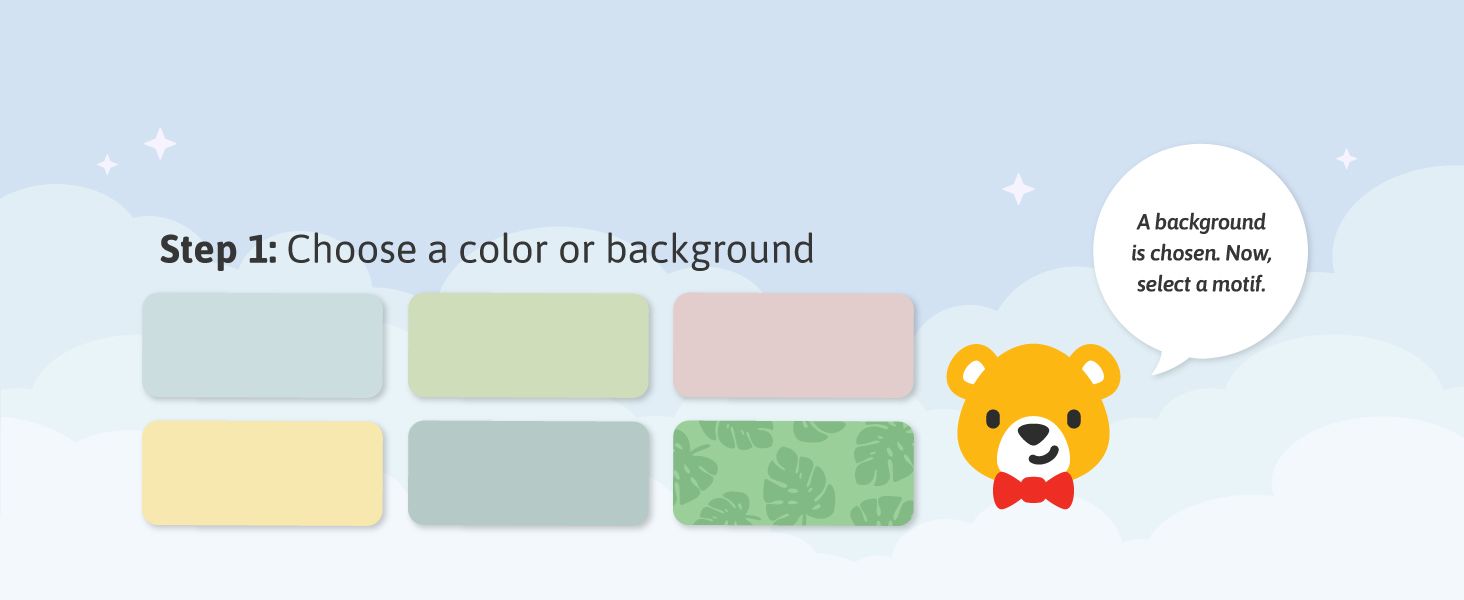
Guides shoppers through the first step of designing a label by picking a color or patterned background. Shows the variety of background colors and patterns available for customizing labels.
- Brand
- Teddylabels
- Category
- Office Products › Office & School Supplies › Labels, Indexes & Stamps › Labels & Stickers › All-Purpose Labels
- Image type
- How to Use A+ Modules, Premium A+ Modules, Single Benefit A+ Modules
- Design focus
- Step 1 Choose Background; Background Color Options
- Listing position
- Image 4
- Marketplace
- United States
- ASIN
- B0D81DLXSJ
See your listing next to your competitors
Paste your Amazon link. We score every image and show what the top sellers do differently. Your first comparison is free.
Similar how to use a+ modules in Office Products
 Personalized Name Labels for Kids
 Personalized Name Labels for Kids
 Personalized Name Labels for Kids
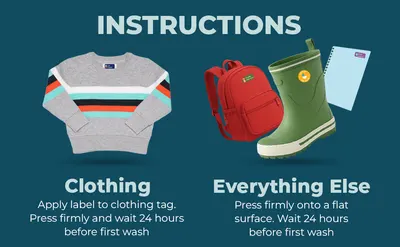 Personalized Name Labels for Kids (70 Labels)
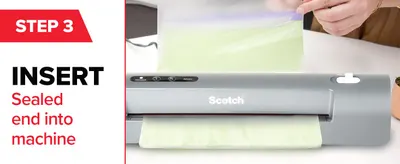 Scotch Thermal Laminator
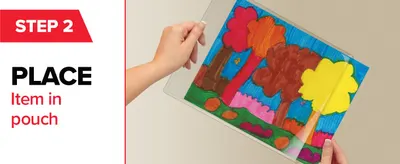 Scotch Thermal Laminator
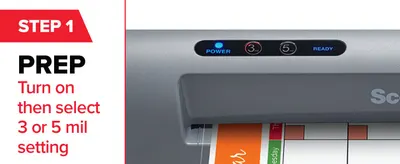 Scotch Thermal Laminator
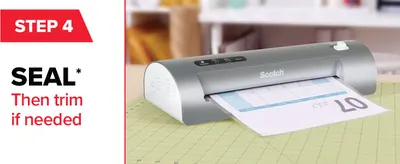 Scotch Thermal Laminator
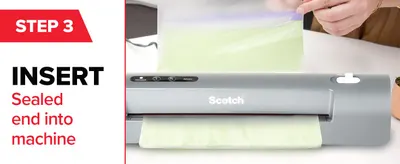 Scotch PRO TL906 Thermal Laminator Machine
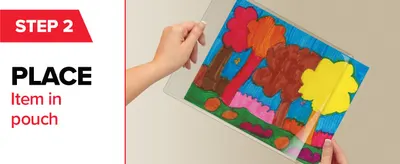 Scotch PRO TL906 Thermal Laminator Machine
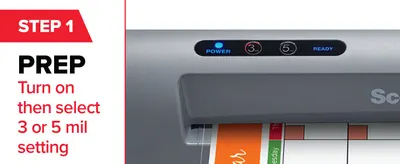 Scotch PRO TL906 Thermal Laminator Machine
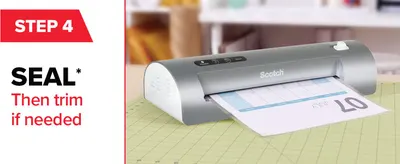 Scotch PRO TL906 Thermal Laminator Machine
This image belongs to Teddylabels and is shown for design research. Request removal.